Comments and questions
Every requirement has a Comments part. Use it to talk with the Team Lead and the designer.
- A designer's question is called a query. It has a Query label.
- When a question is answered, it gets a Resolved label.
Write a comment
- Open the requirement (click its card on My Requirements).
-
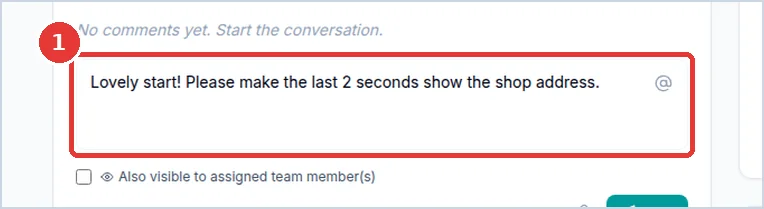
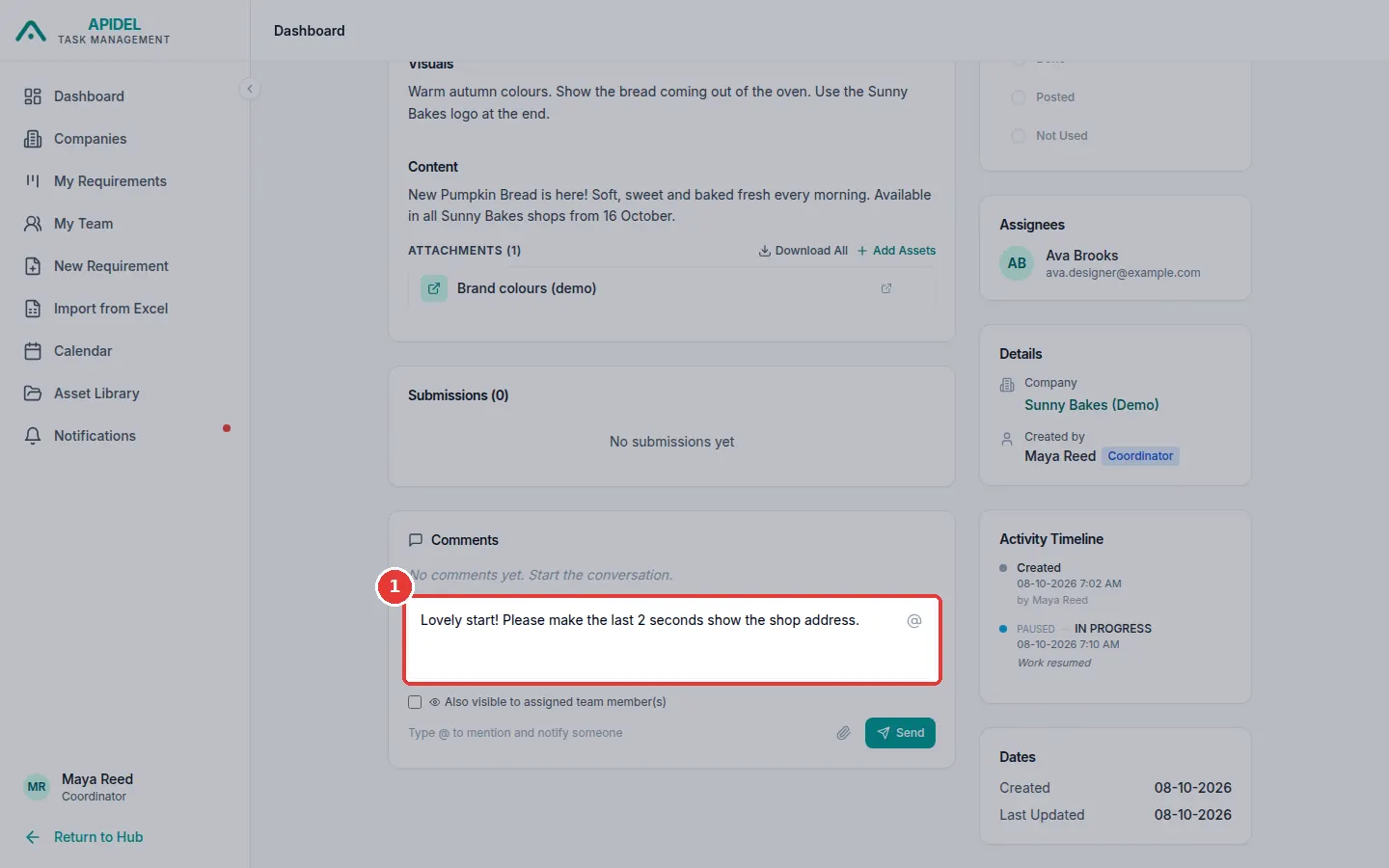
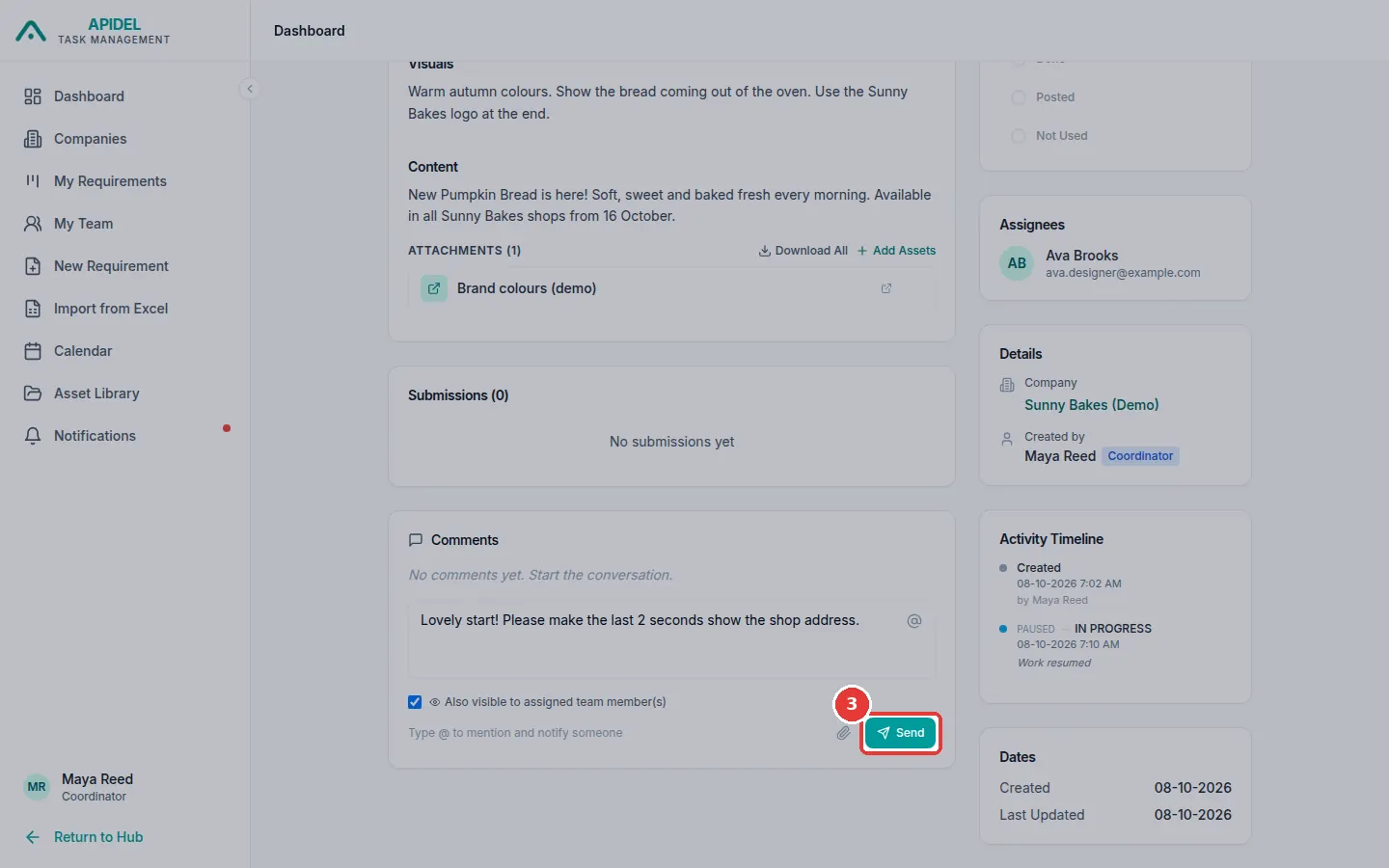
Scroll down to Comments. Click the writing box. Type your comment.
-
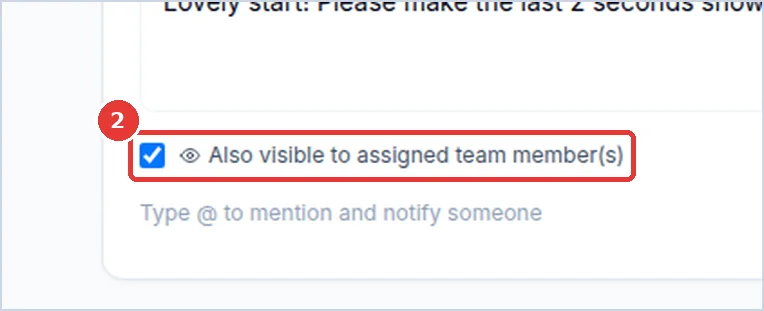
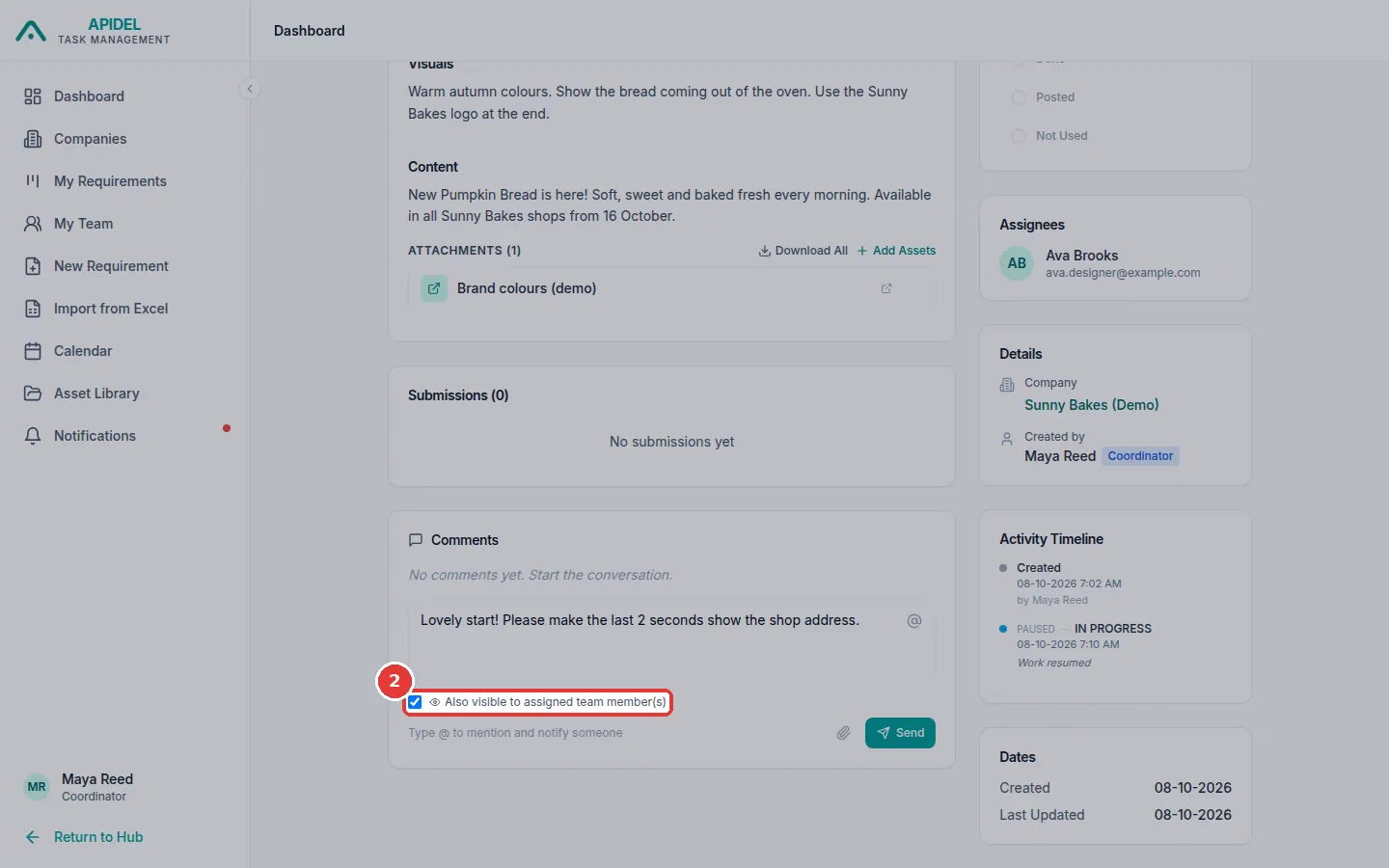
Do you want the designer to see it? Tick Also visible to assigned team member(s). If you do not tick it, only the Team Lead and other office people see it.
-
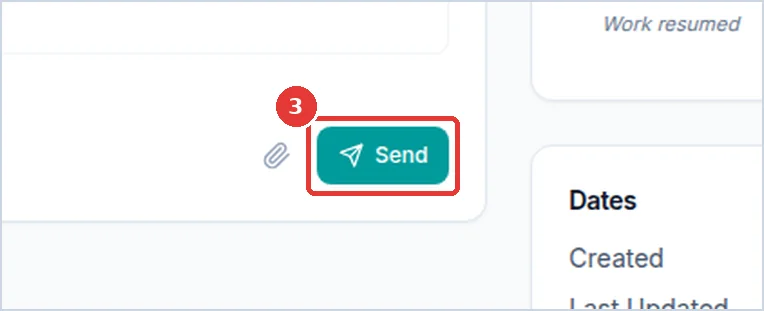
Click Send.
Tell a special person
Type @ in the writing box. A list of names appears. Click a name. That person gets a message.
Answer a question
- Open the requirement with the question. You can find it on your Dashboard under Open Queries, or in the Open Queries column of My Requirements.
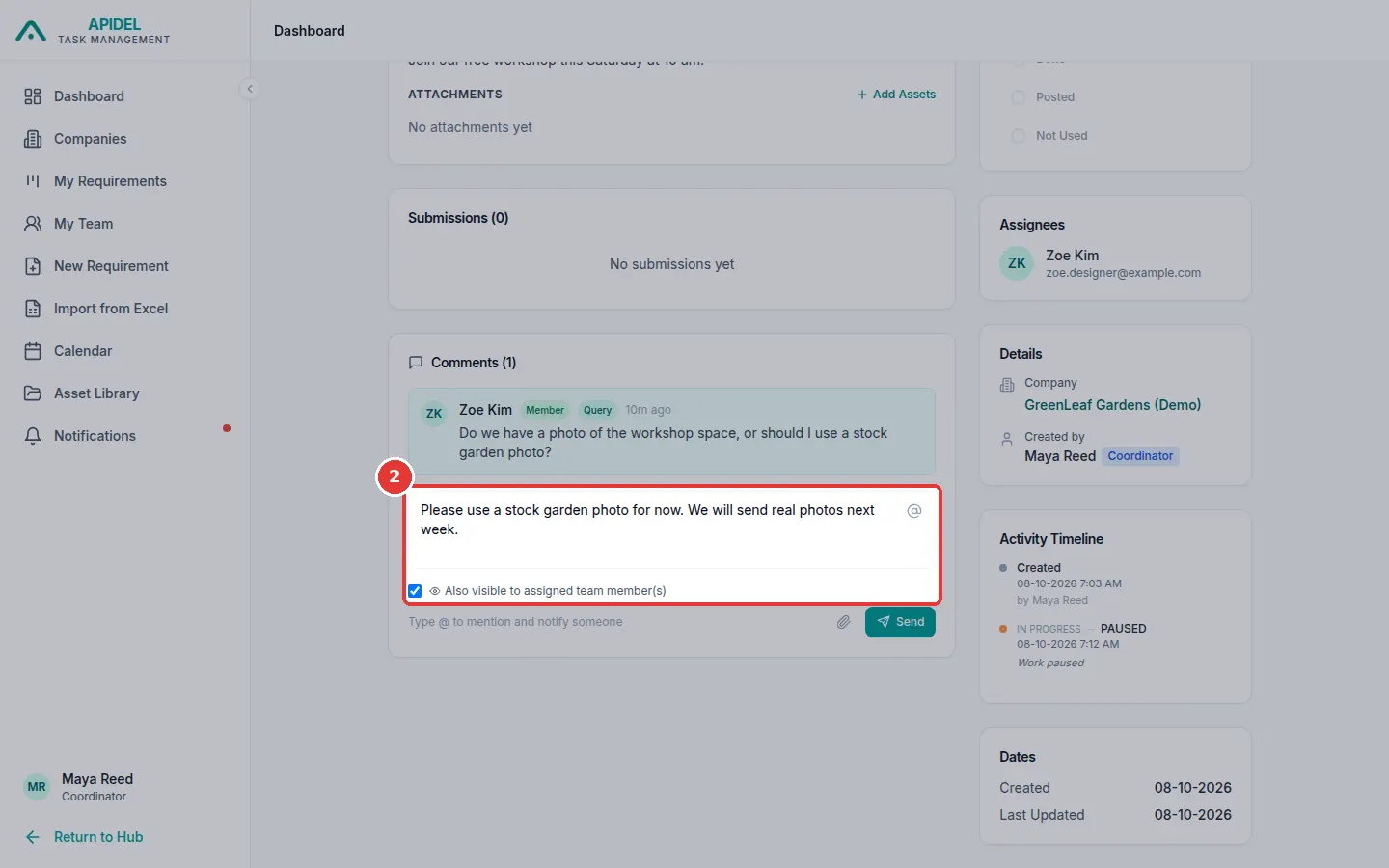
- Read the question in Comments.
-
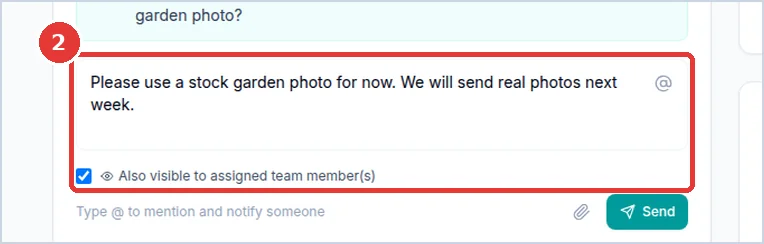
Type your answer in the writing box. Tick Also visible to assigned team member(s) so the designer can read it.
-
Click Send.
- The question now shows Resolved. Your answer shows Response.
Note
You can also move your mouse over a question and click Mark as resolved, if it was answered another way.