Assembly line (stages)
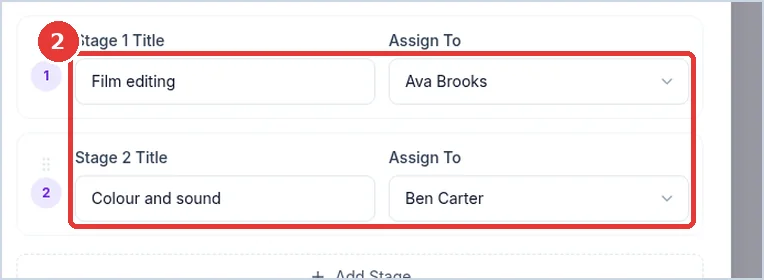
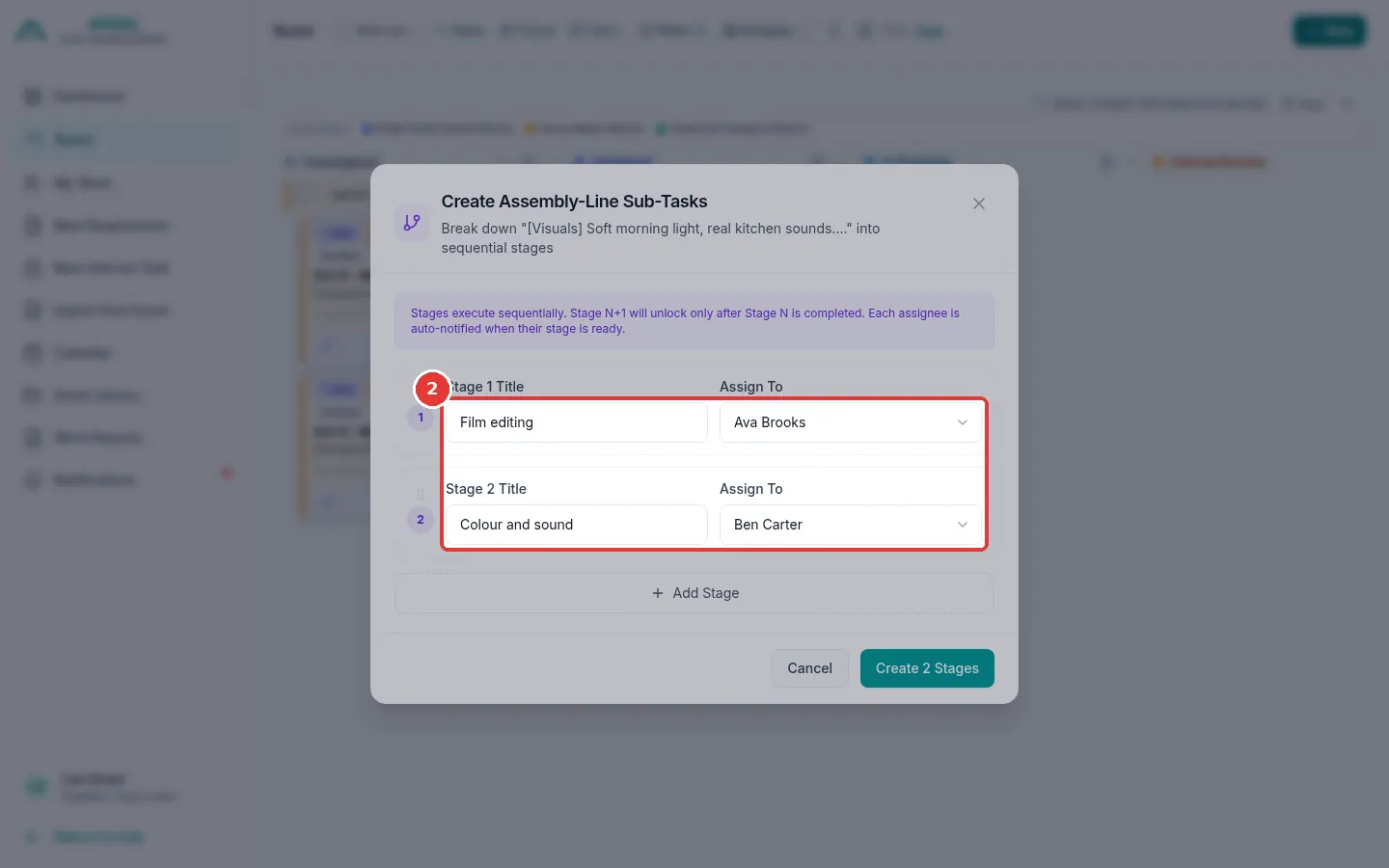
Big work can be split into stages. Each stage is done by a different designer, one after the other. For example: stage 1 Film editing, stage 2 Colour and sound.
- Stage 2 opens only when stage 1 is sent.
- Each designer gets a message when their stage is ready.
- When the last stage is sent, the whole work comes to you to check (Internal Review).
Split work into stages
You can do this only while the work is Unassigned or Assigned.
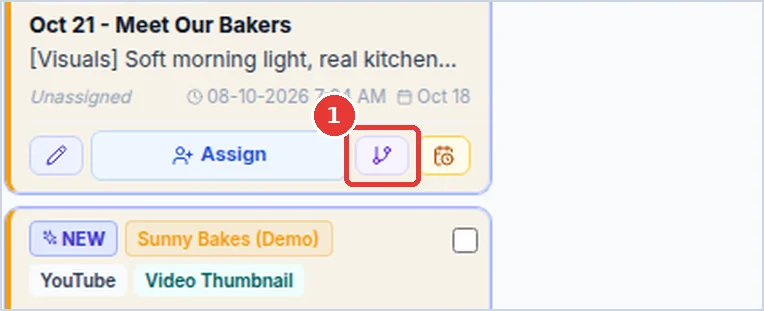
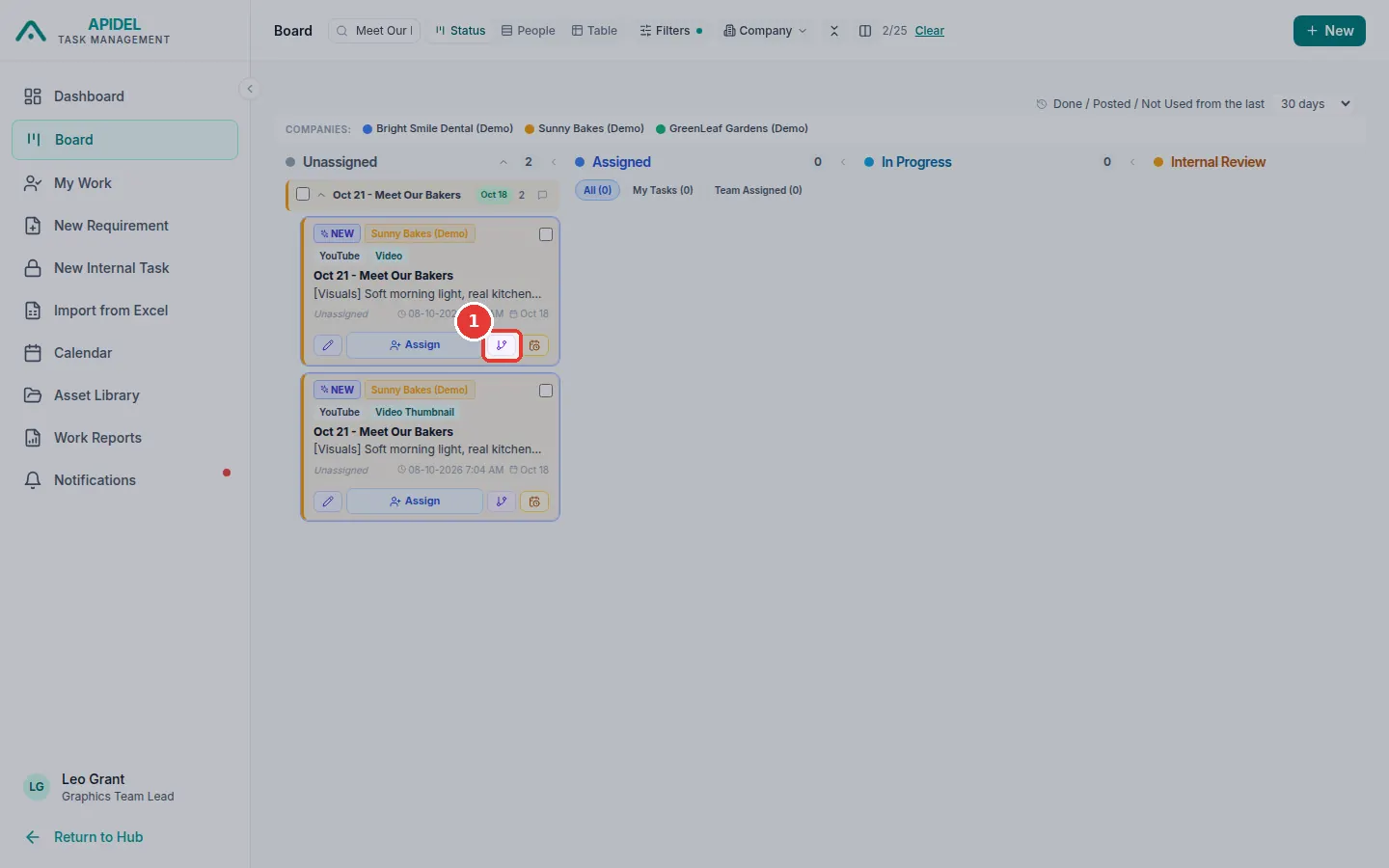
- Click Board in the menu. Find the card in Unassigned.
-
Click the small branch button on the card (next to Assign).
-
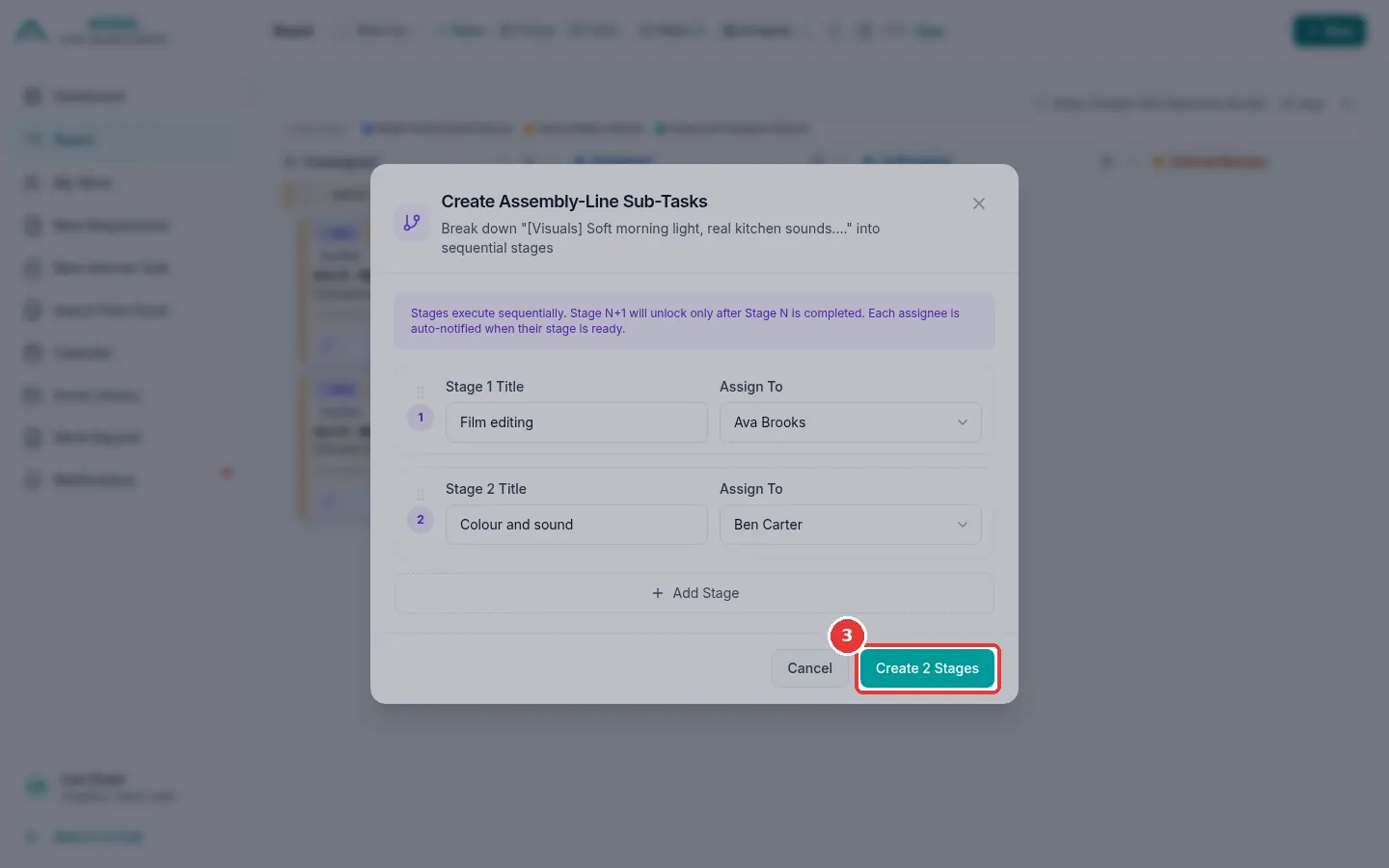
A window opens. For each stage, type a name in Stage 1 Title and choose a designer in Assign To. Click Add Stage if you need more than 2 stages.
-
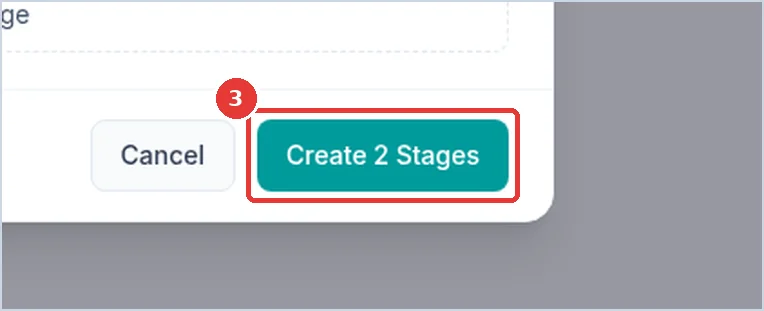
Click Create 2 Stages (the number is how many stages you made).
-
The work becomes Assigned to the stage 1 designer. The card shows 0/2 stages.
Note
Each stage must be given to a Graphics Team Member. You cannot choose yourself.
Follow the stages
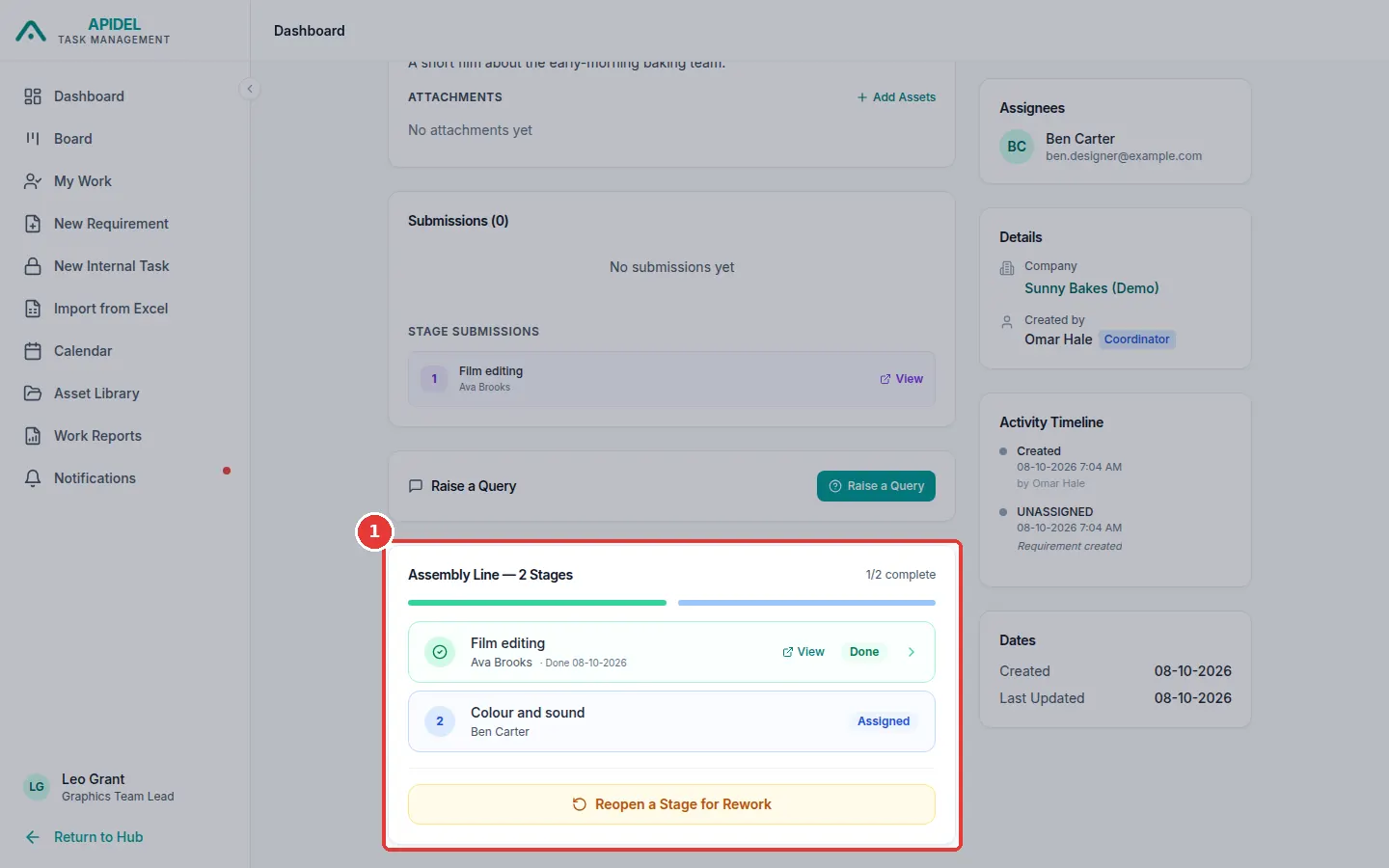
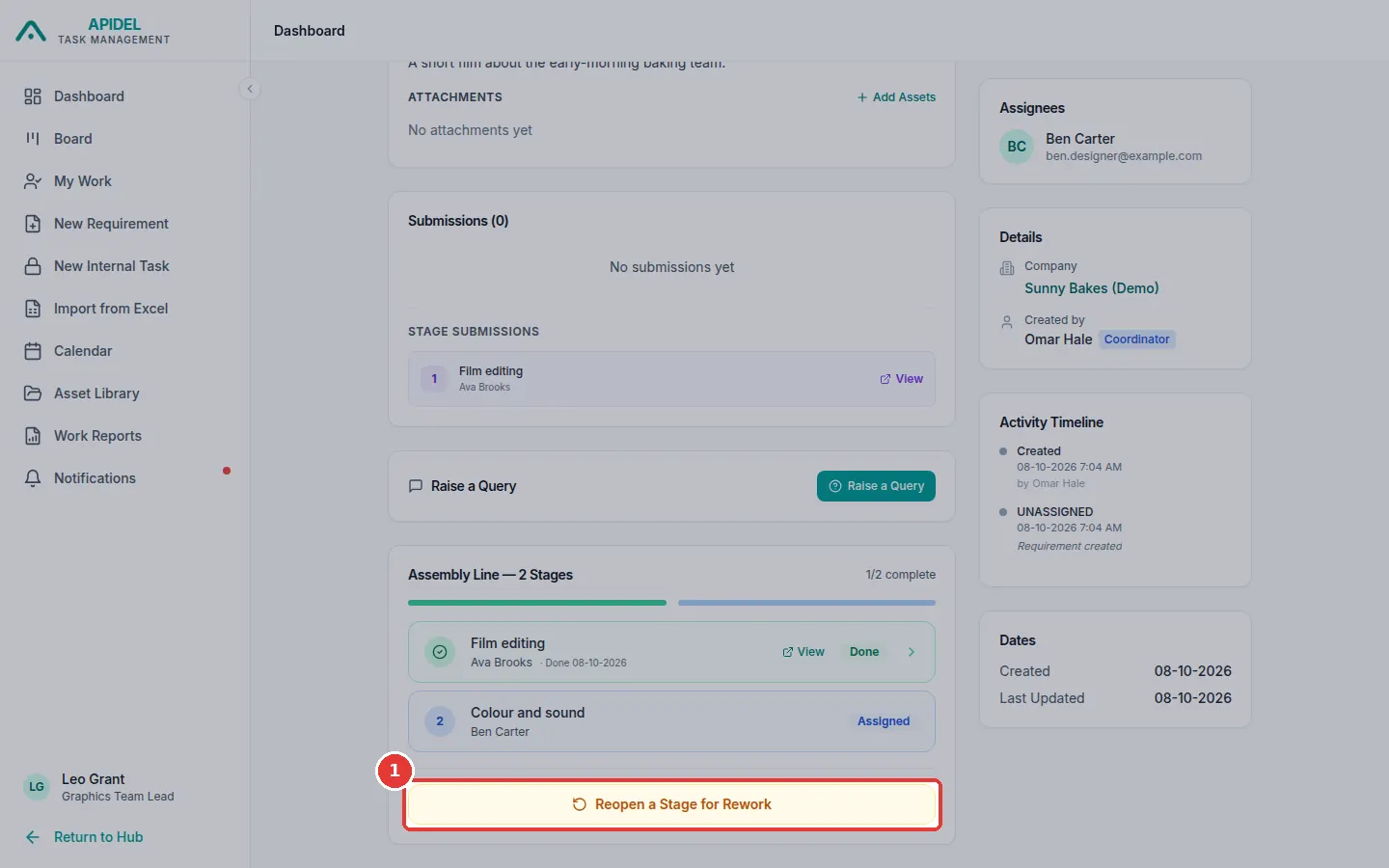
Open the requirement page. The Assembly Line box shows each stage, who has it, and which ones are Done.
Send a finished stage back (Reopen a stage)
Use this if a finished stage needs changes.
-
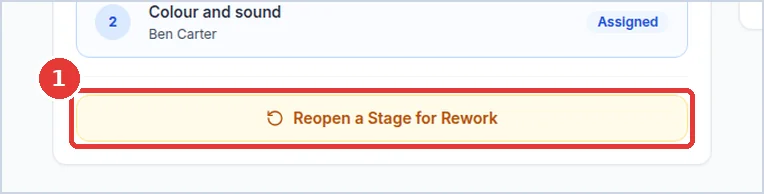
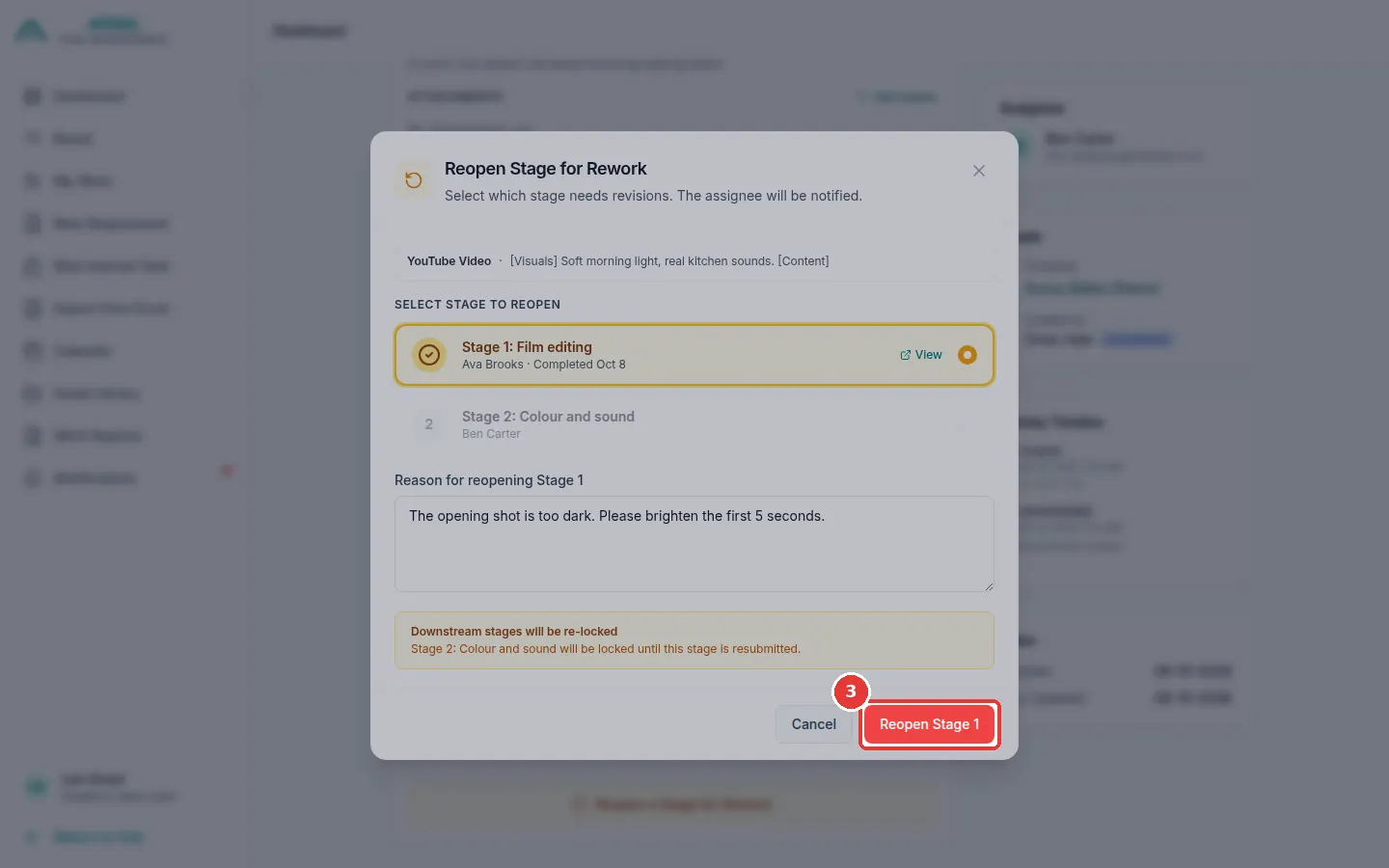
Open the requirement page. In the Assembly Line box, click Reopen a Stage for Rework.
-
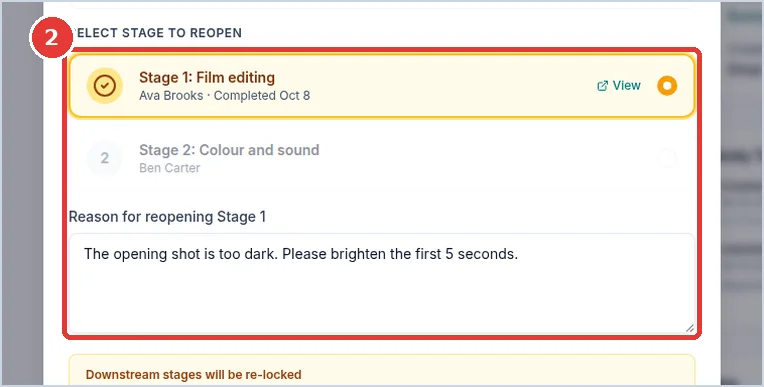
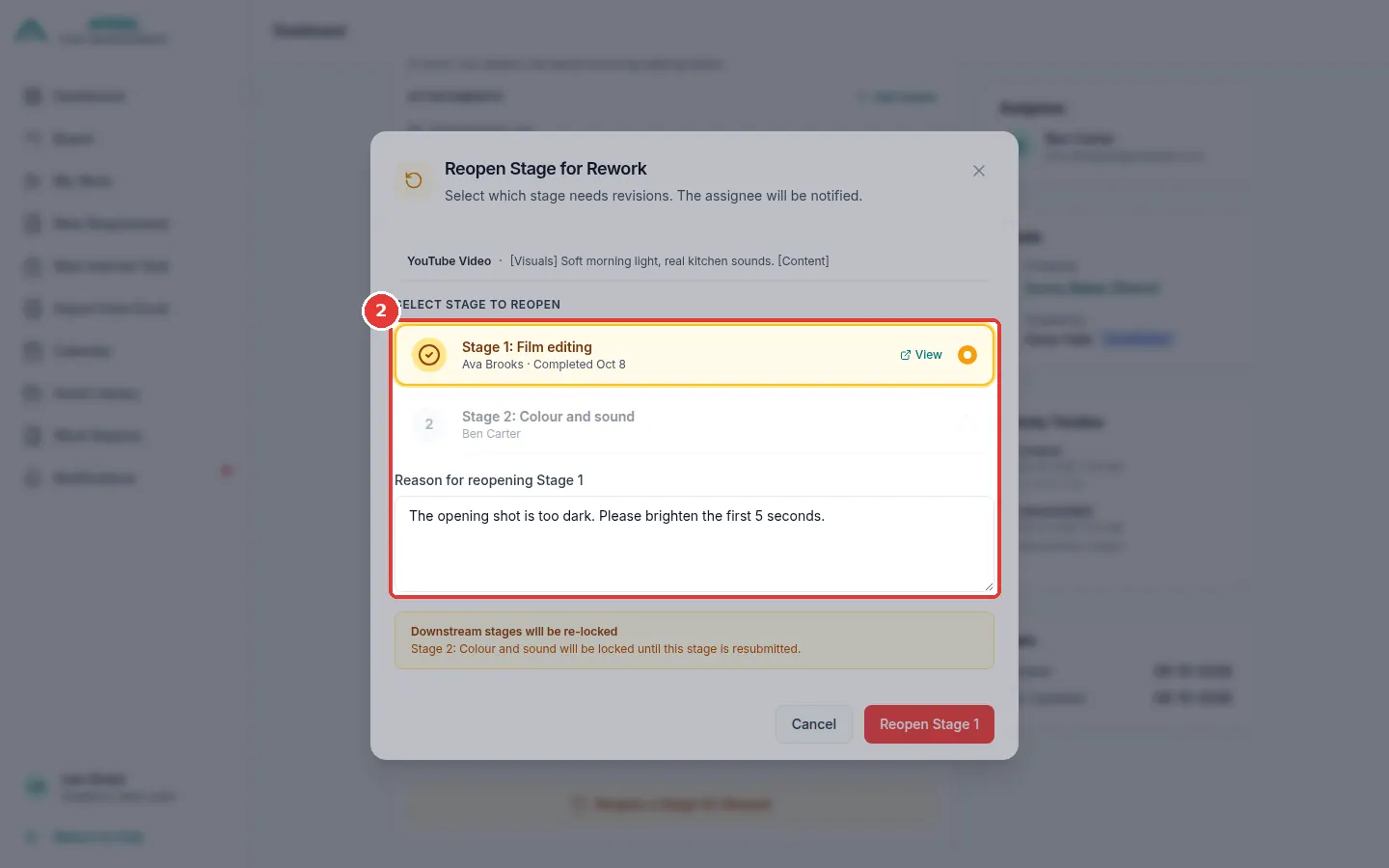
Click the stage that needs changes. Type the reason in the box.
-
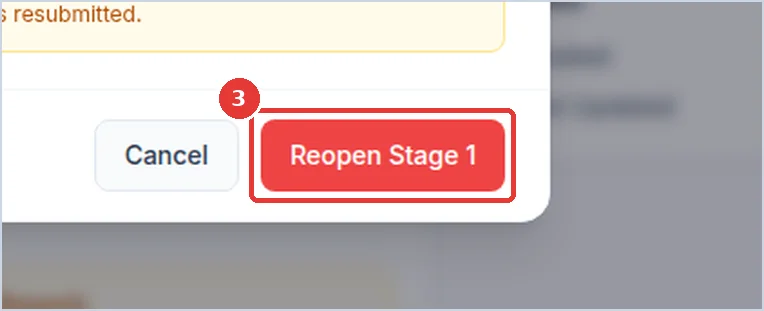
Click Reopen Stage.
-
That stage opens again for its designer. The stages after it wait until it is sent again.