Answer questions
Designers ask questions about their work in the Comments of a requirement. A question is called a query.
Find questions
- On the Board, scroll right to the Open Queries column. It shows all work with an unanswered question.
- Or click the Queries button at the top of the Board.
- You also get a message in Notifications when someone names you with @.
Answer a question
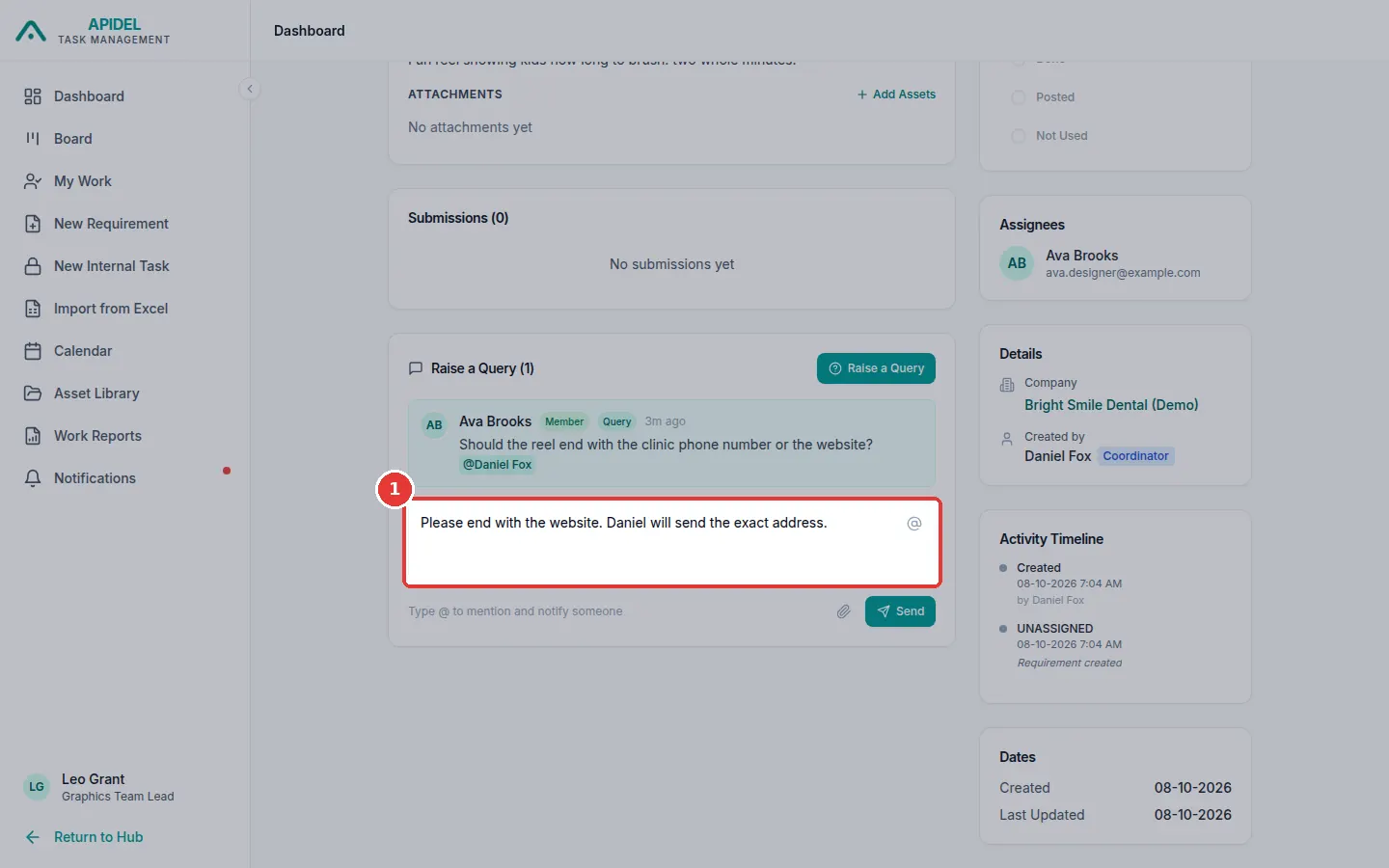
- Open the requirement (click its card). Scroll down to the comments. Read the question.
-
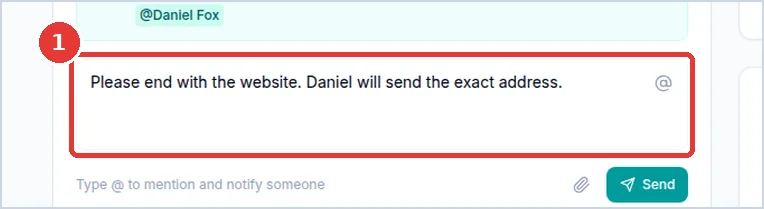
Click the writing box. Type your answer.
-
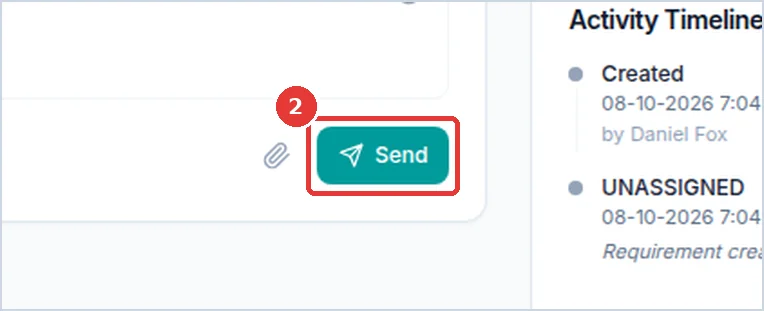
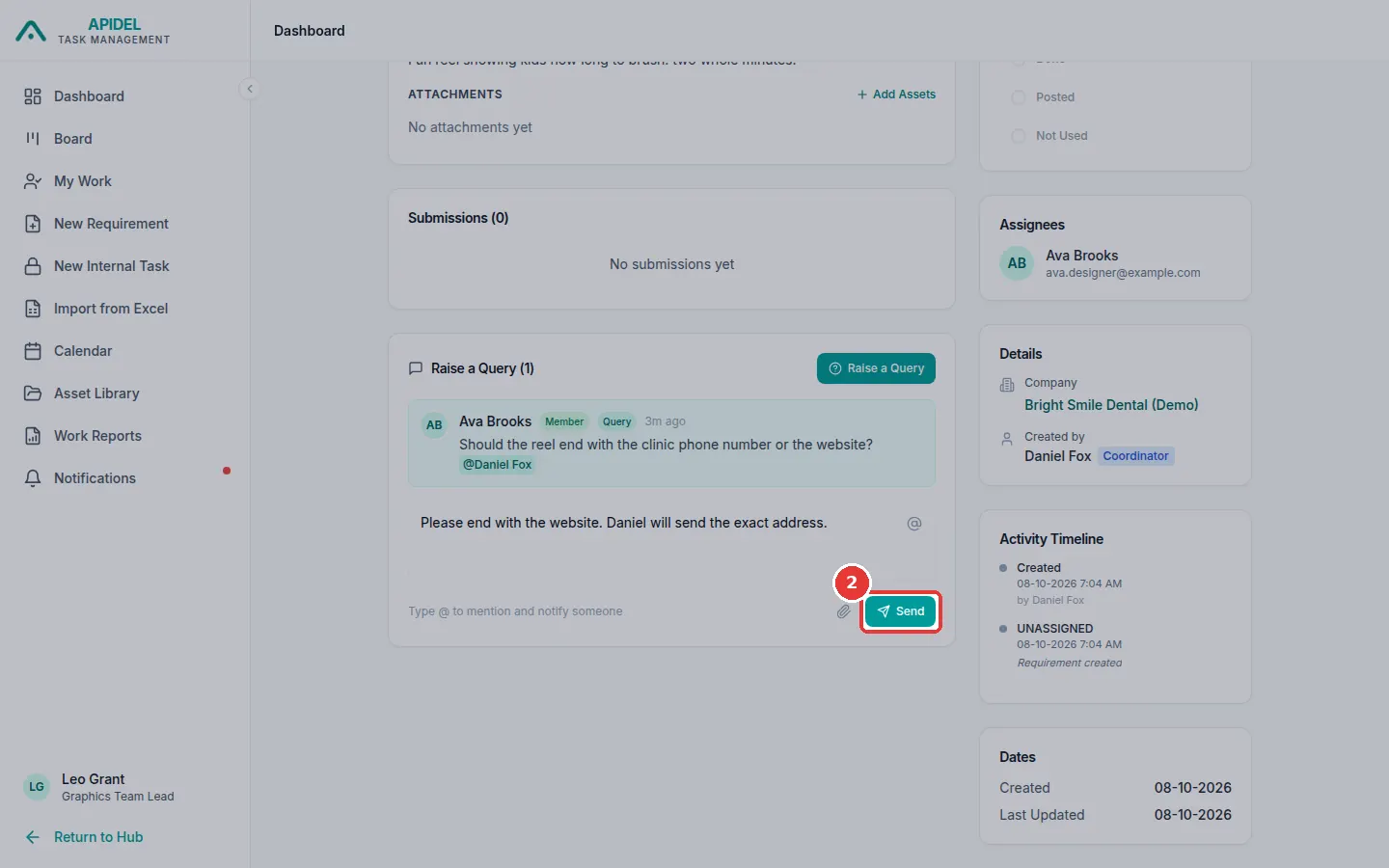
Click Send.
-
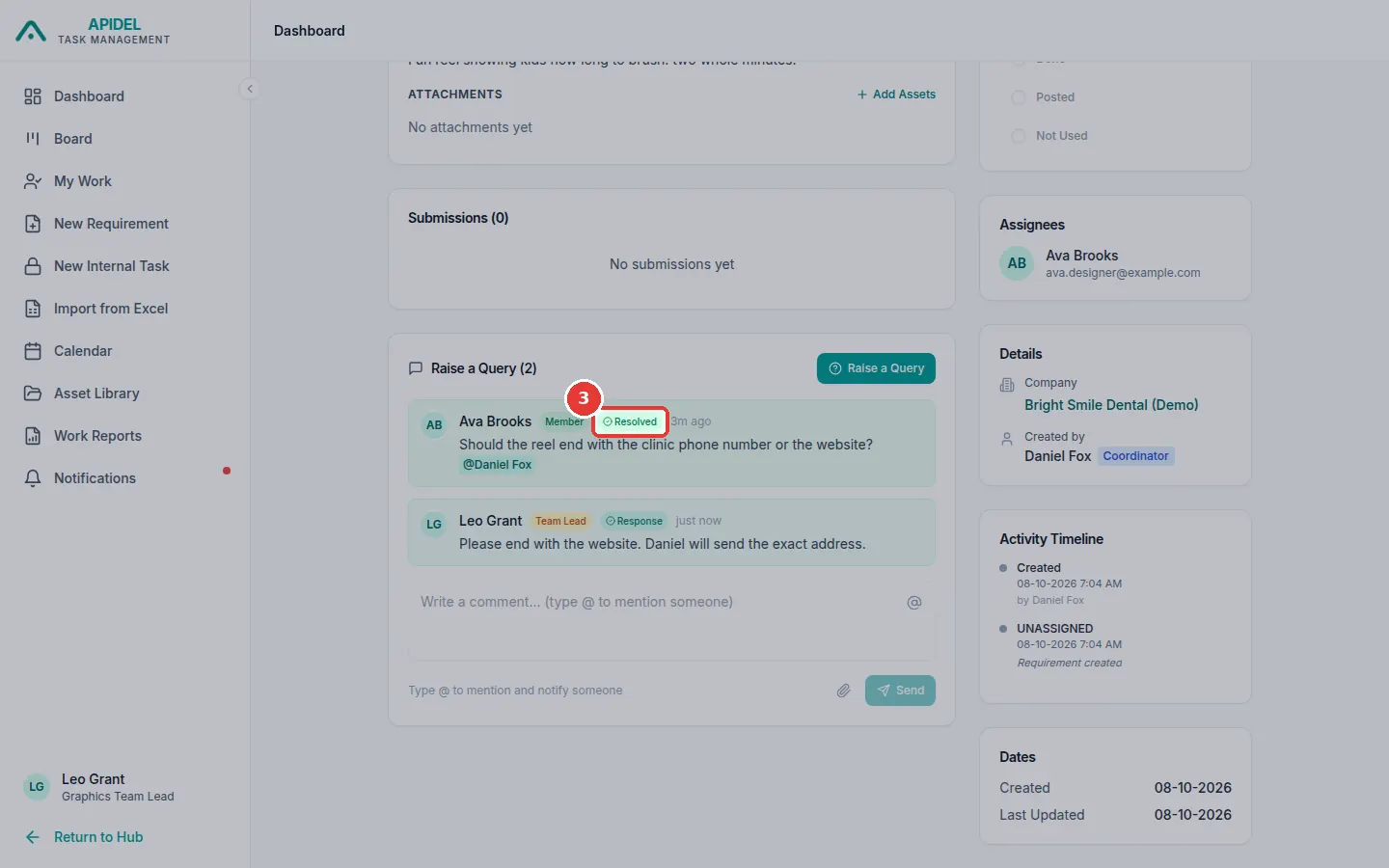
Your answer shows with a Response label. The question now shows Resolved. The designer can read your answer.
Tell a special person
Type @ in the writing box and click a name. For example, name the coordinator if they need to answer.
Ask a question yourself
On a requirement page, click Raise a Query. Type your question and click Send.