Calendar
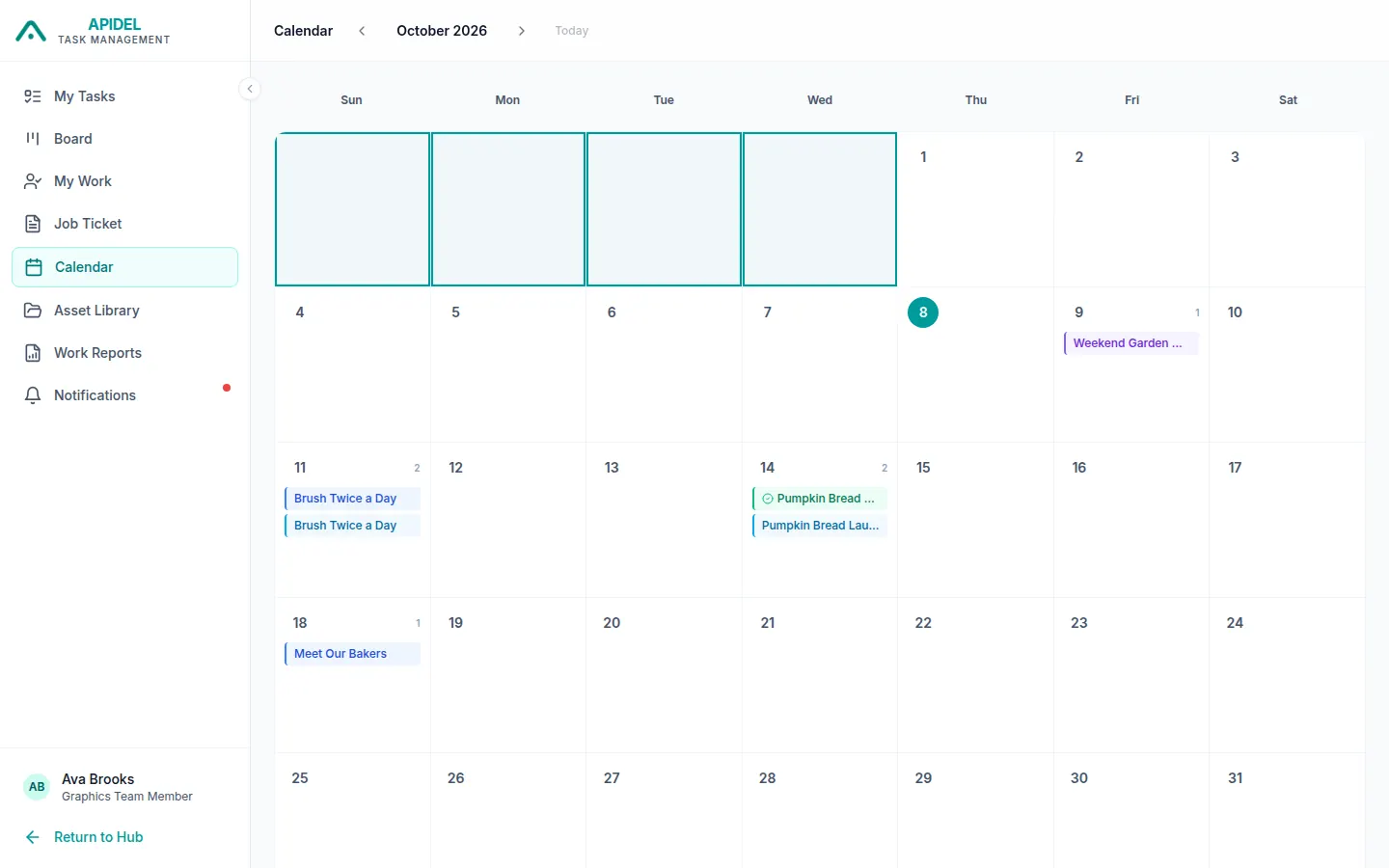
The calendar shows one month. It shows the deadline of each of your tasks.
Open the calendar
-
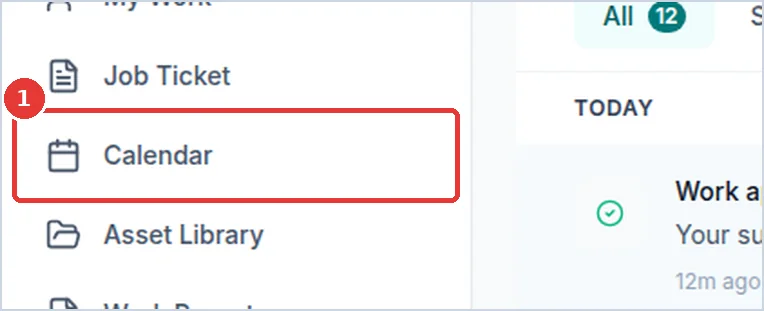
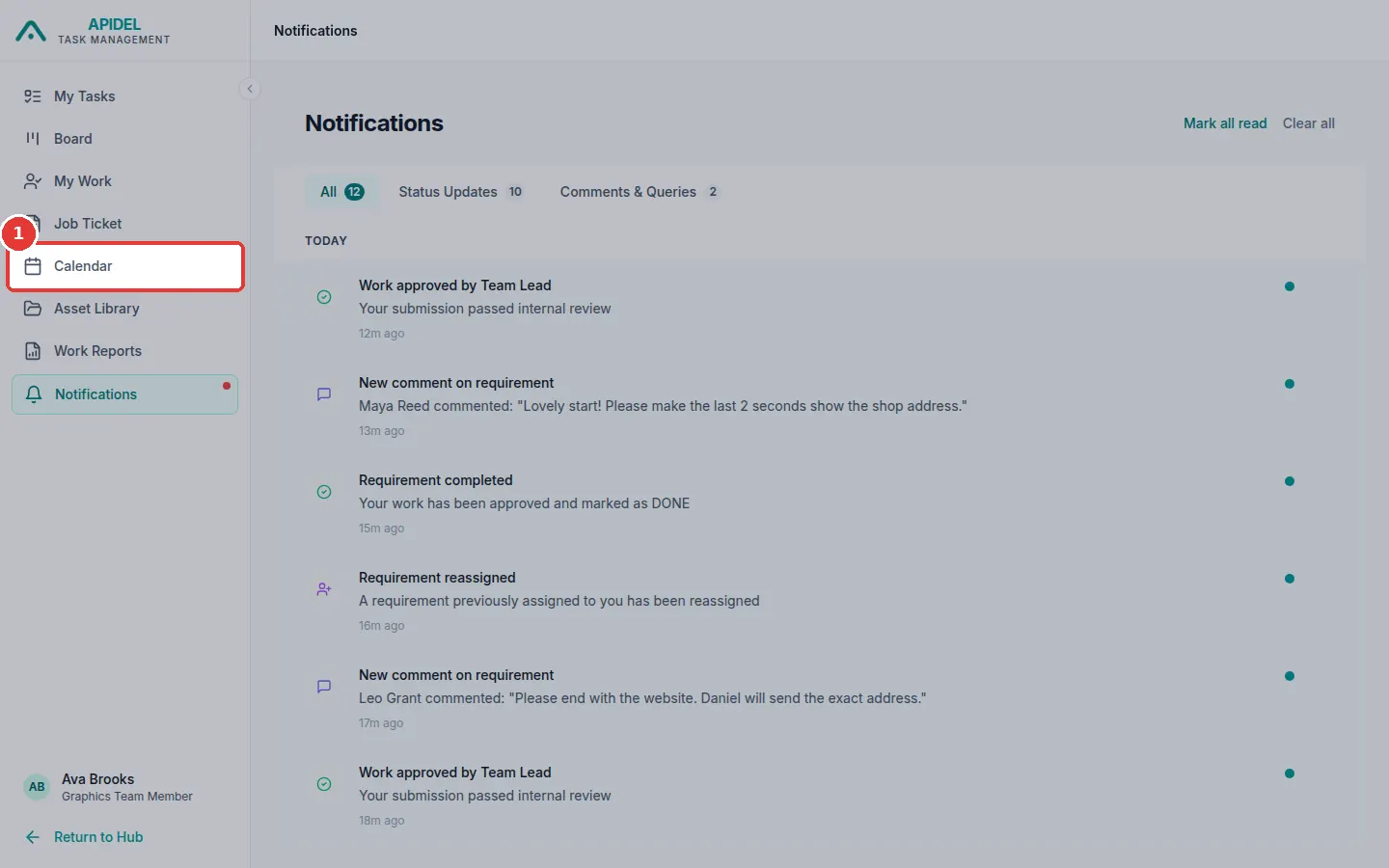
Click Calendar in the menu on the left.
-
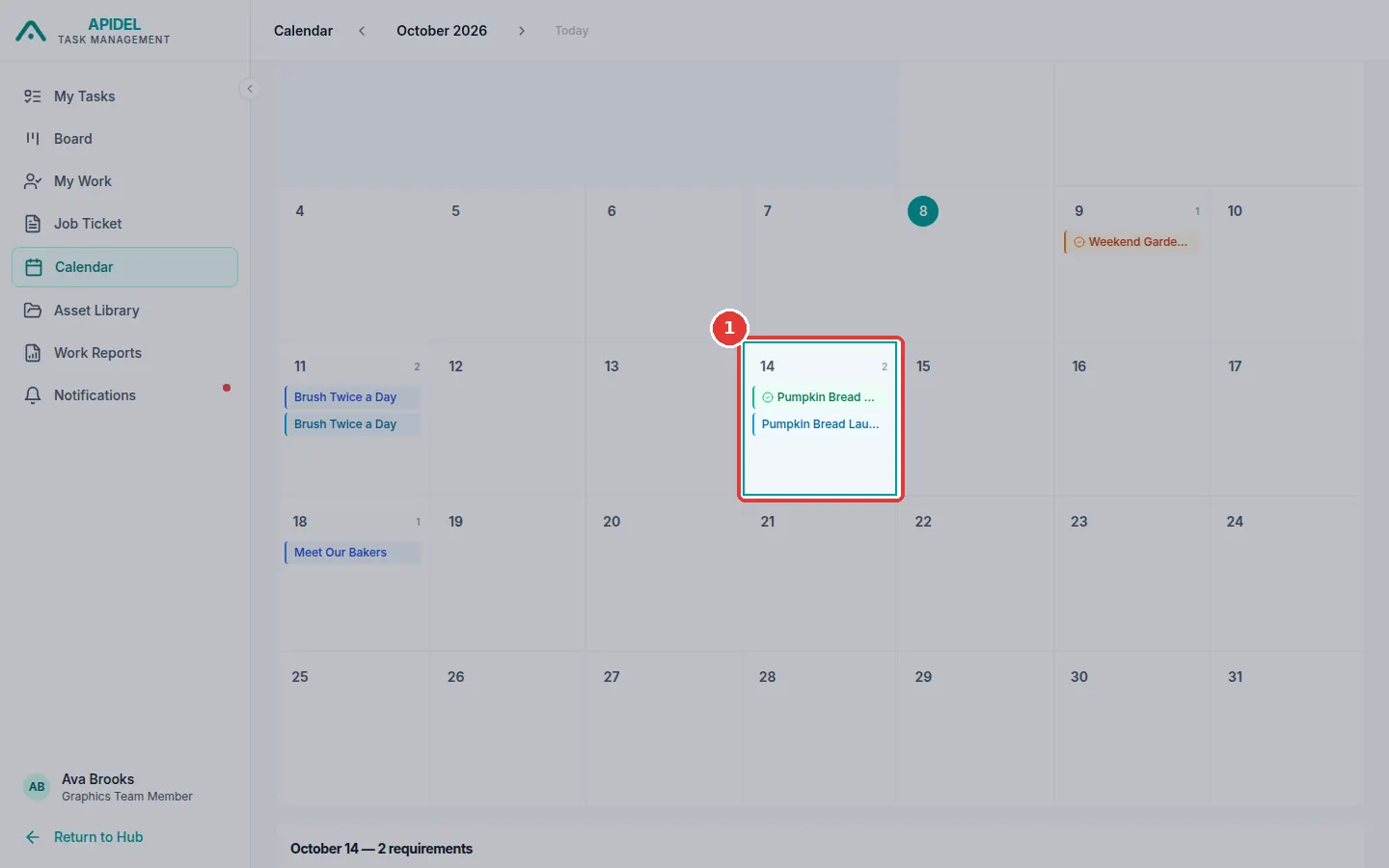
You will see the month. Each small box is one day. The coloured lines inside a day are requirements.
Move to another month


- Click the arrow pointing left to see the month before.
- Click the arrow pointing right to see the next month.
- Click Today to come back to this month.
- Click Company to see only one company.
See the work for one day
-
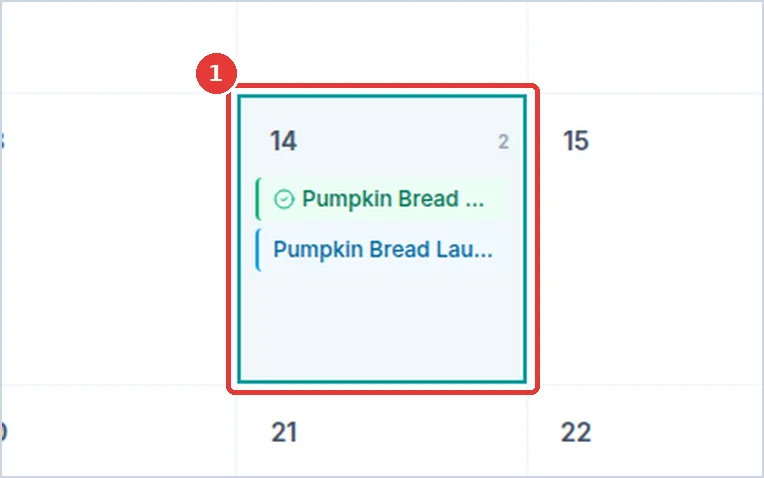
Click a day.
-
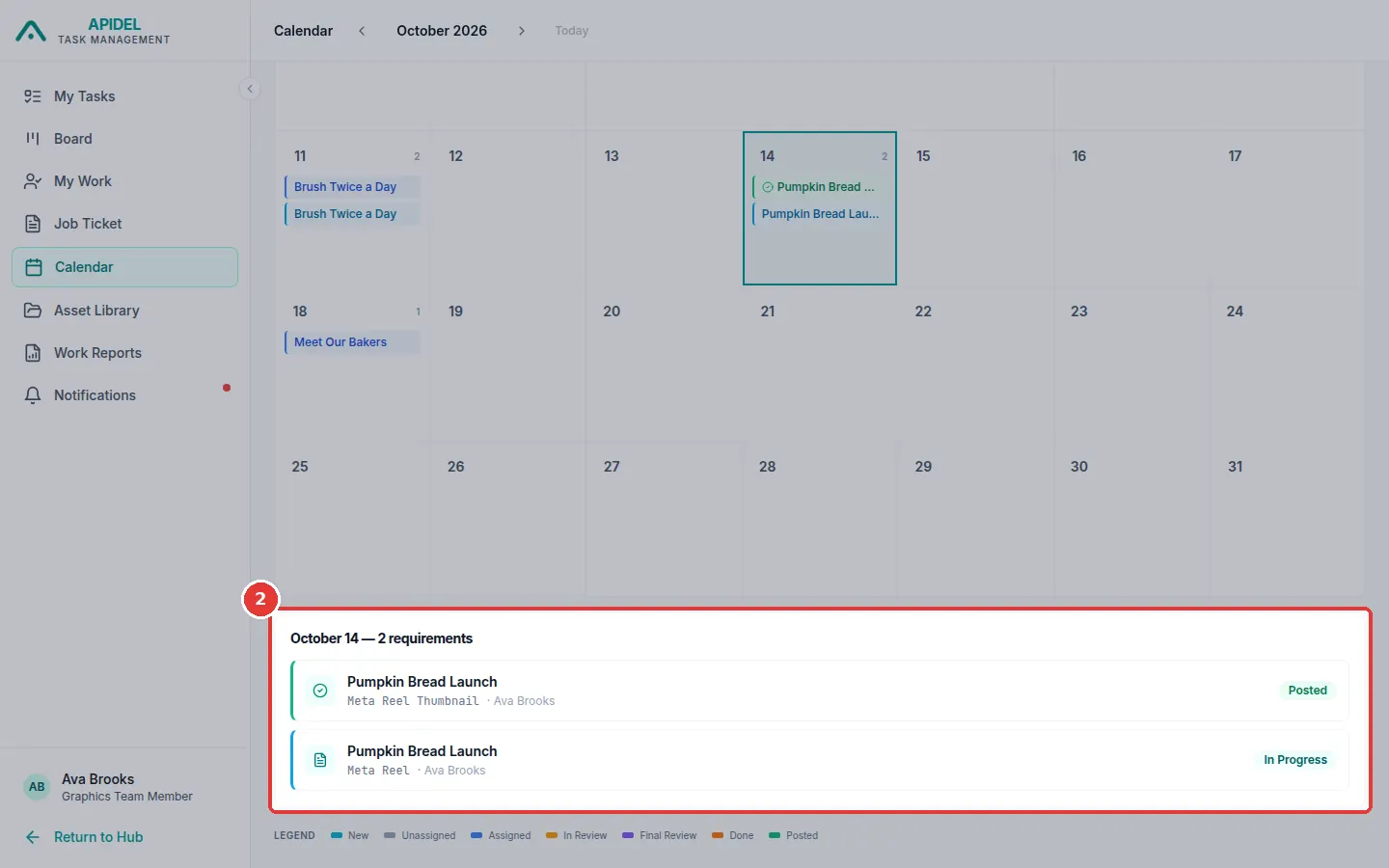
A list appears below the calendar. It shows every requirement for that day.
-
Click a requirement in the list to open it.
What the colours mean
At the bottom of the page there is a list of colours. Each colour is a step of the work. For example, Unassigned means nobody is working on it yet, and Done means it is finished. A Post tag on a line means that day is the posting date.