My Requirements (follow your work)
My Requirements shows all the work you asked for, and the step each one is at.
Open My Requirements
-
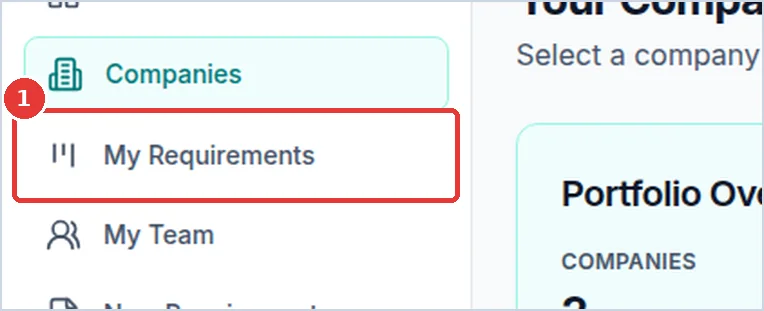
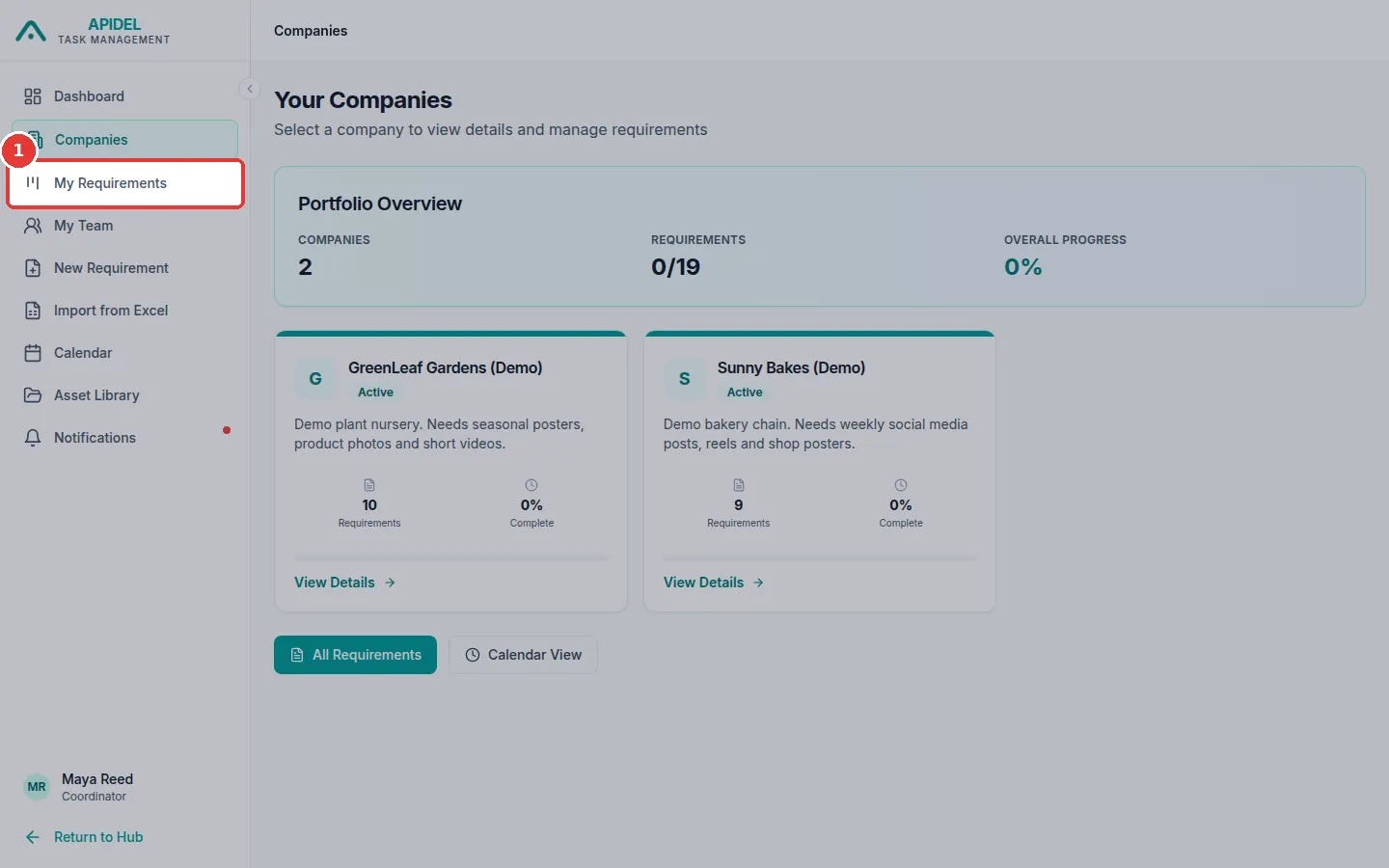
Click My Requirements in the menu on the left.
-
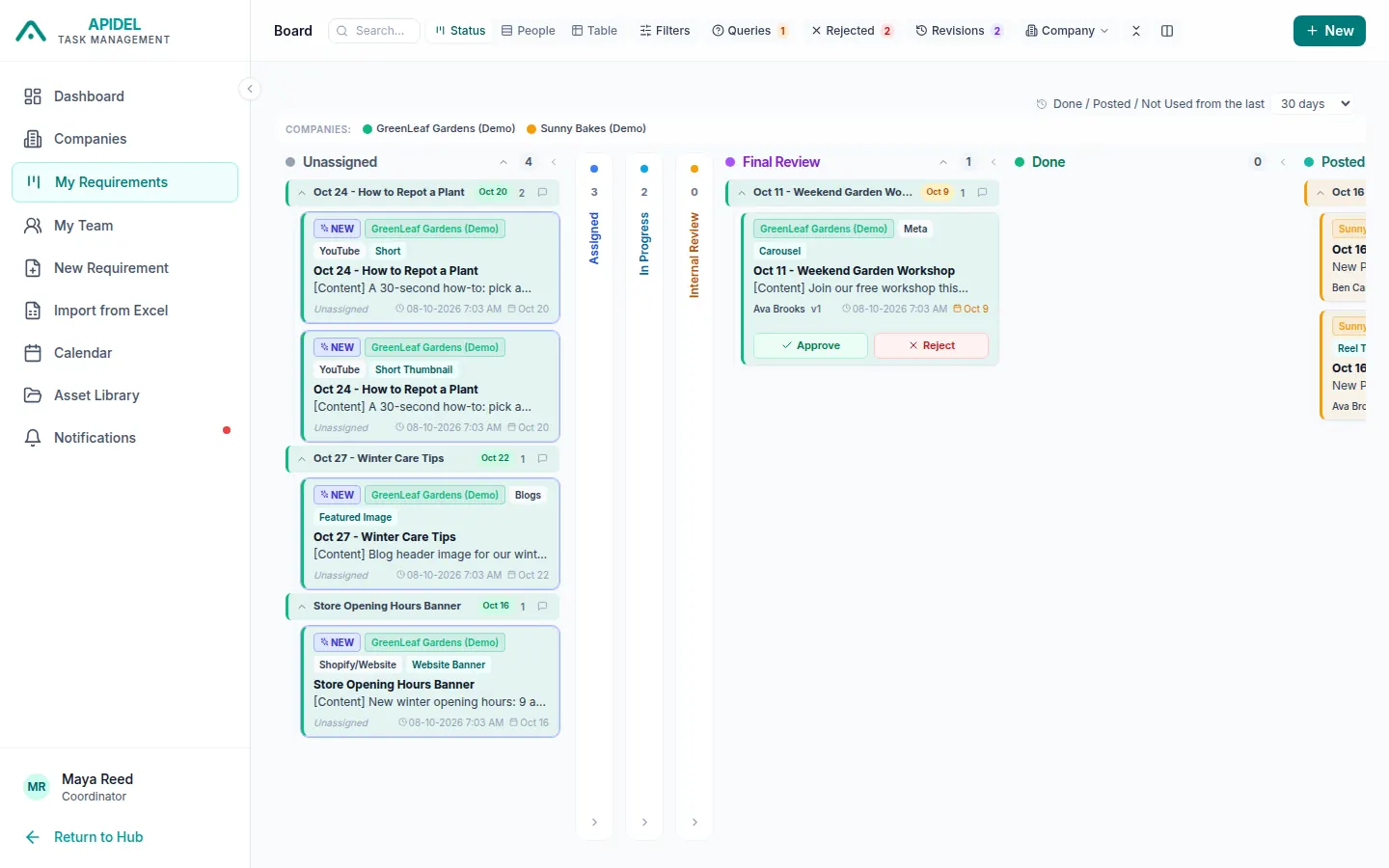
You will see the board. Each column is one step: Unassigned, Assigned, In Progress, Internal Review, Final Review, Done, Posted, Not Used and Open Queries.
-
Some columns start small (thin). Click a thin column to open it.
- Cards with the same title are put together in a group. Click the small arrow on a group to open or close it.
- Click a card to open the full page of the requirement.
- The Open Queries column shows work with a question that is not answered yet.
Three ways to look at your work
At the top of the page there are three buttons.
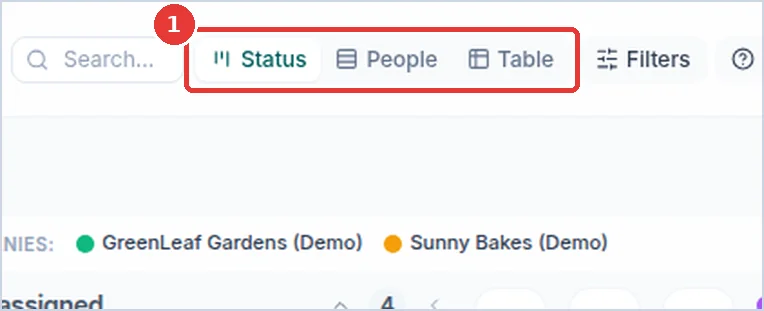
- Status: the columns (as above).
-
People: one row for each person who asked for work.
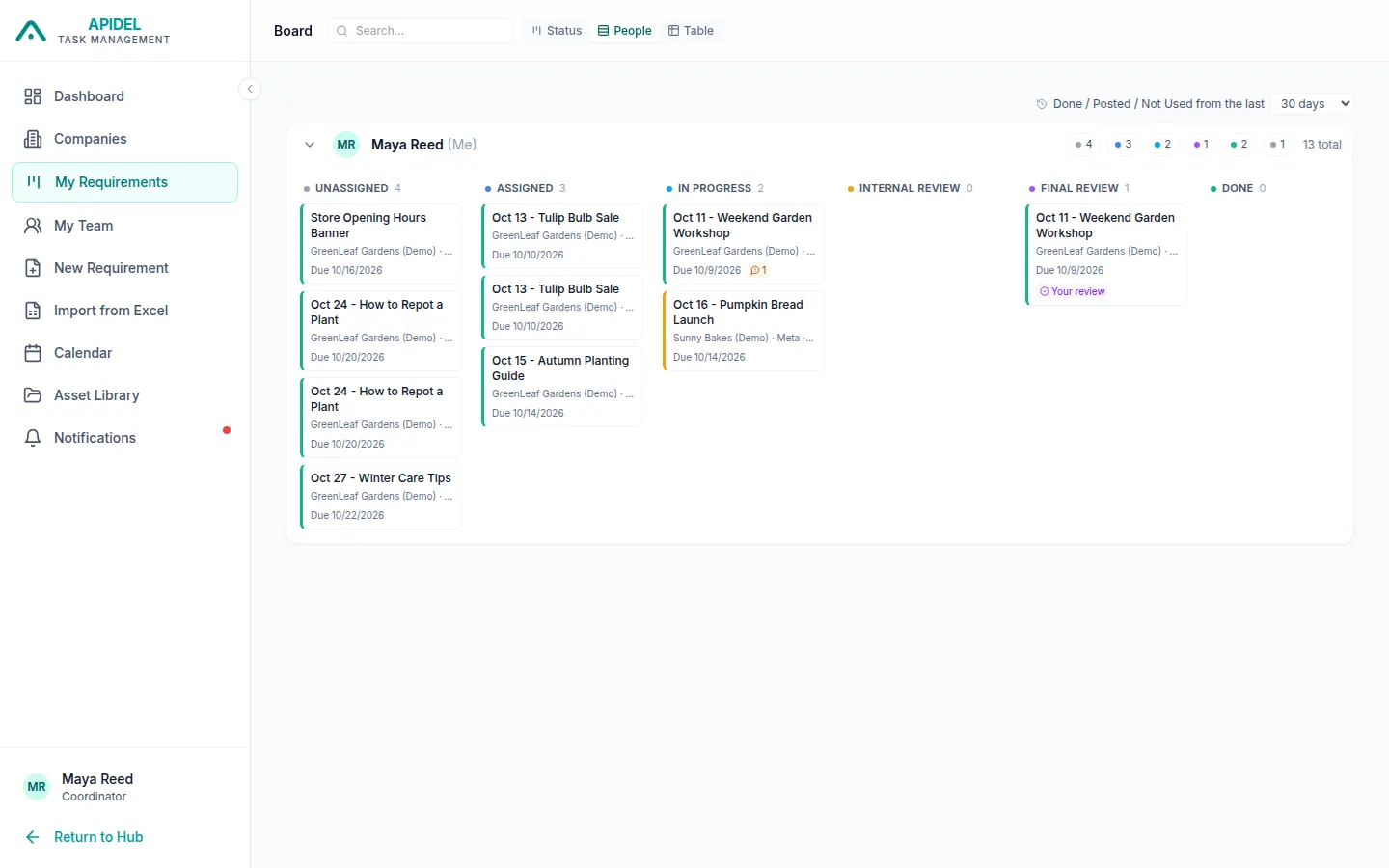
-
Table: a list, like a spreadsheet. Good for seeing a lot at once.
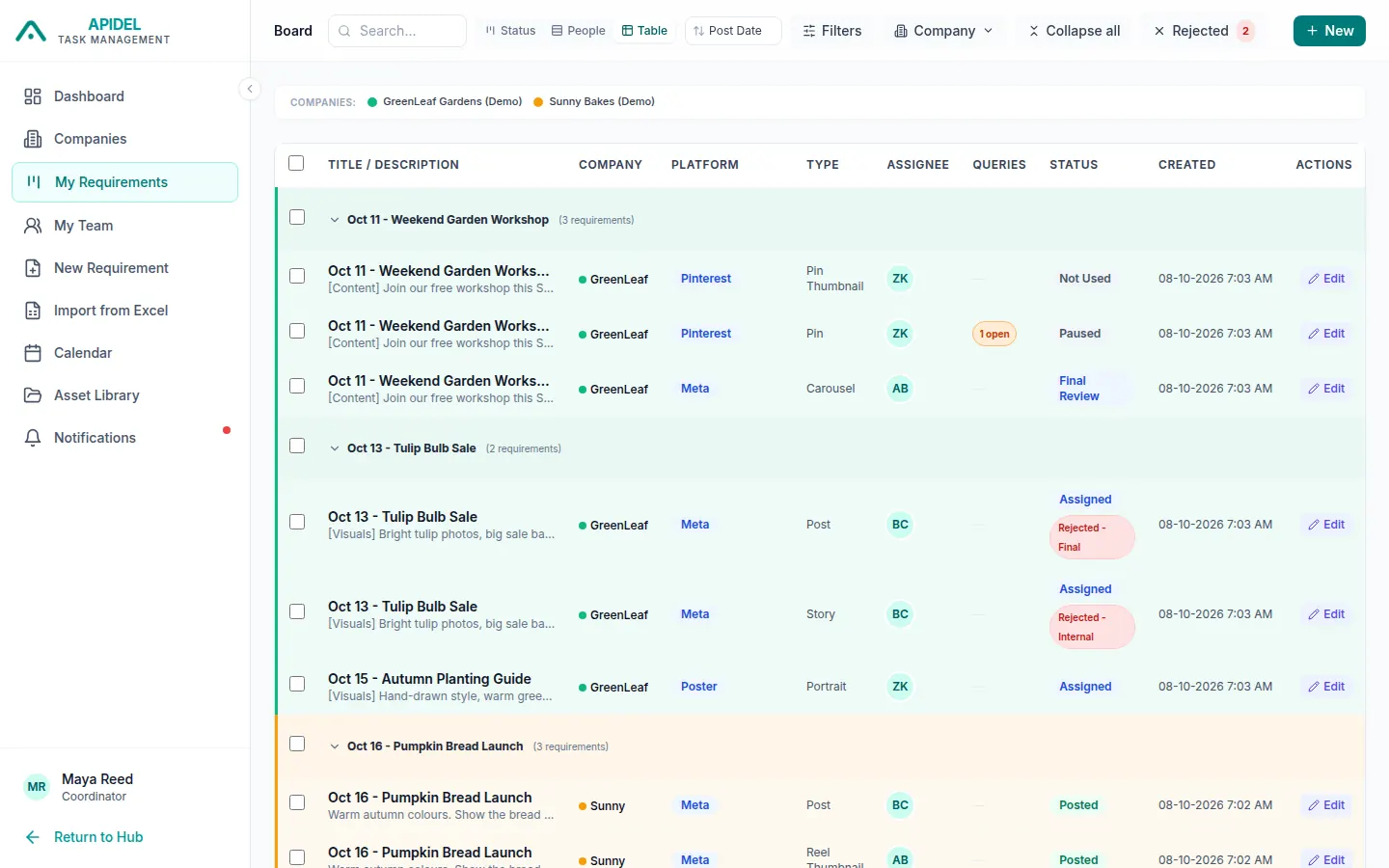
Find work
- Type in the Search... box at the top to find work by its title.
-
Click Company to see only one company.
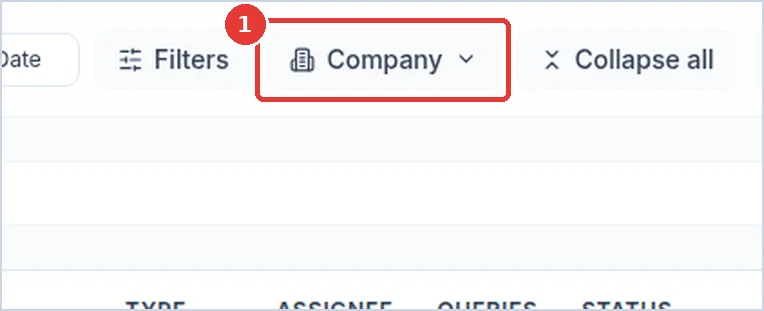
-
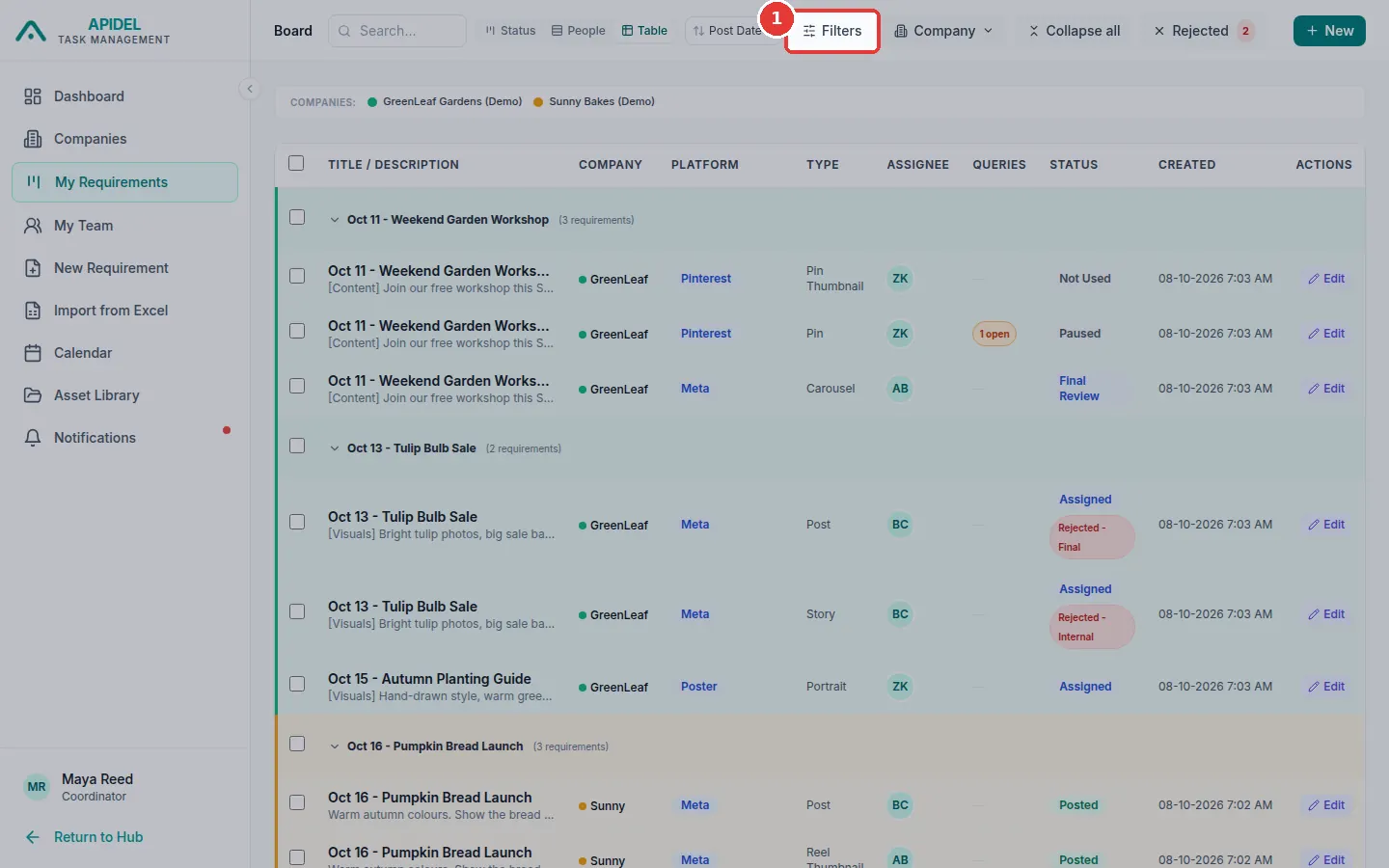
Click Filters to choose more. For example only one platform, one designer or only work with open questions. Then click Apply. A dot on Filters means a filter is on.
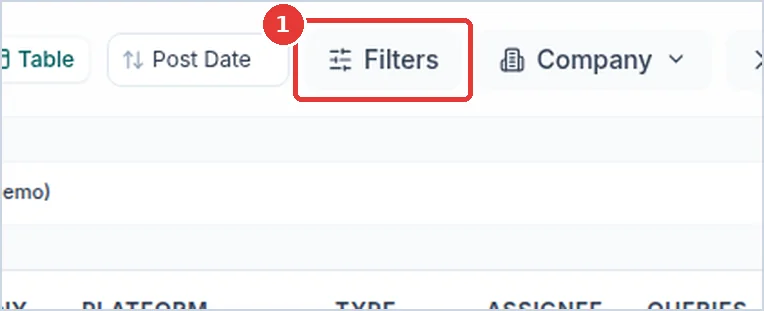
-
Small buttons like Queries, Rejected and Ext. Deadline show only work with questions, work sent back, or work with a moved deadline.
- Click Clear to show all work again.
Old finished work
Finished, posted and not used work older than 30 days is hidden. Use the box Done / Posted / Not Used from the last at the top right to show 90 or 365 days.
Approve many at once (Table view)
- Click Table.
-
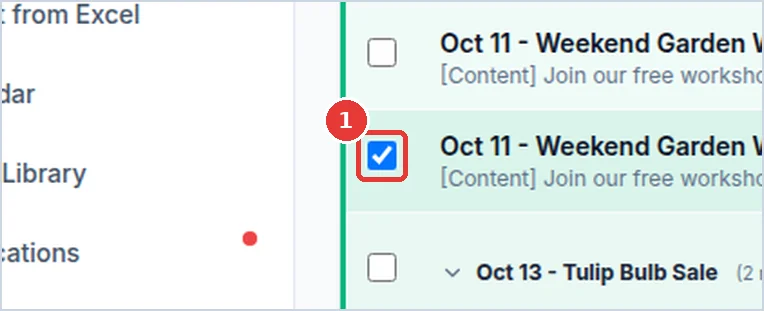
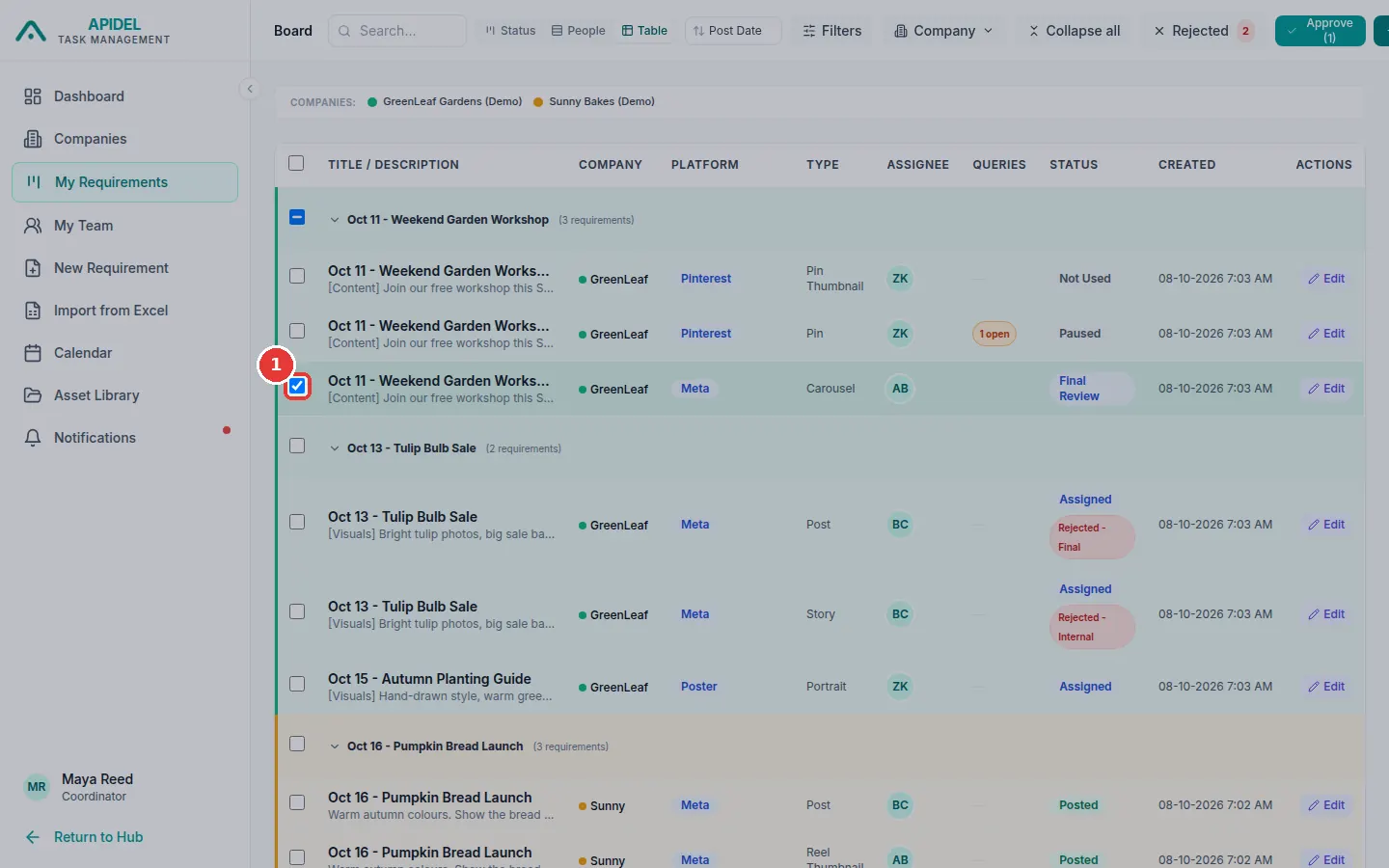
Tick the box at the start of each row you want to approve. Only work in Final Review can be approved.
-
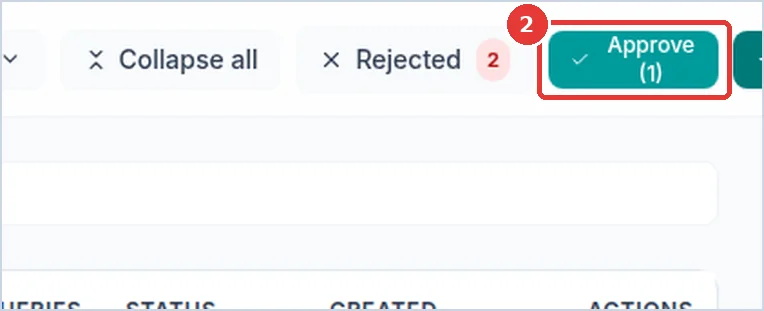
Click the green Approve (1) button at the top. (The number is how many you ticked.)
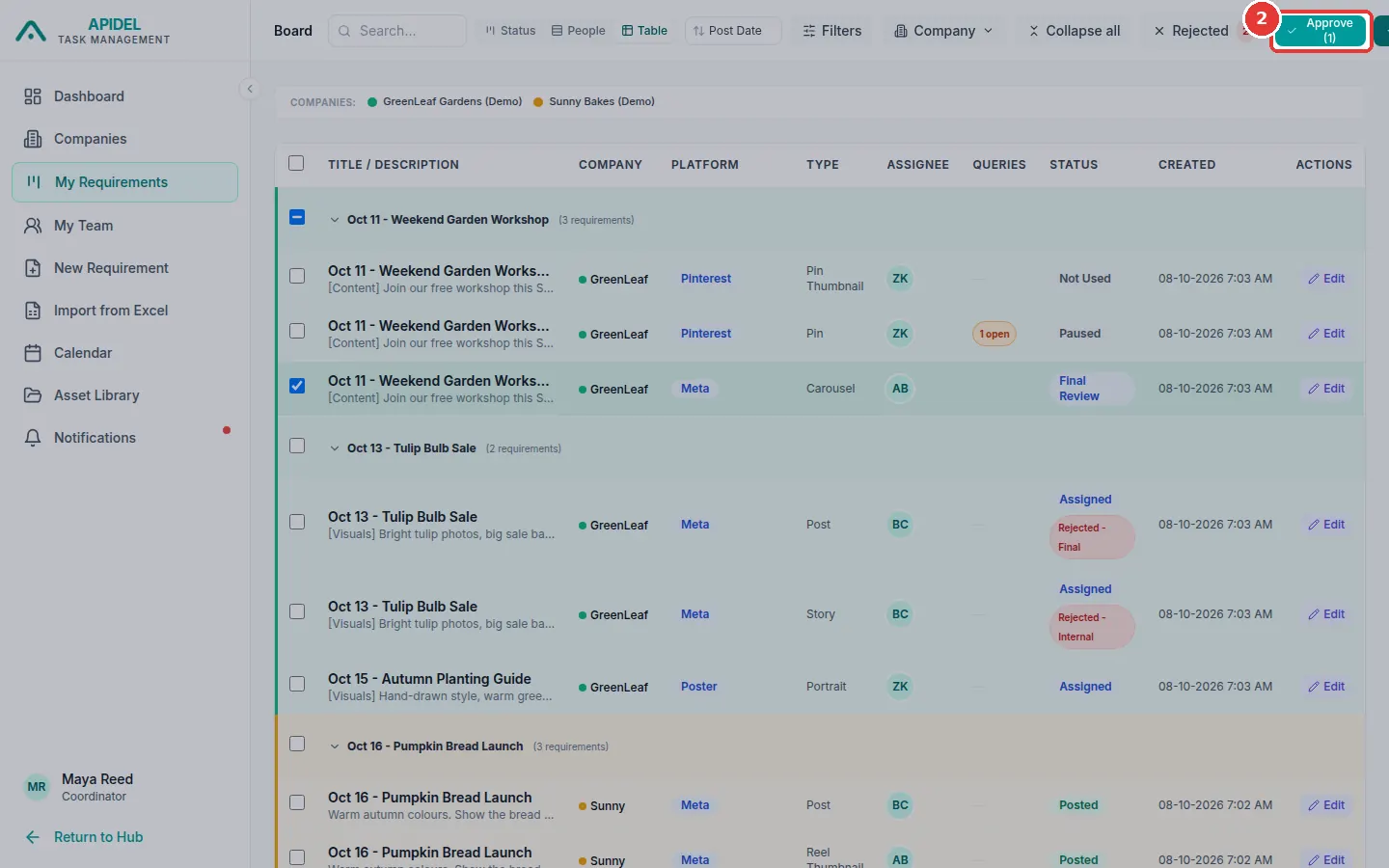
-
A window opens. Click Approve (1) to confirm. The work becomes Done.