Board and My Work
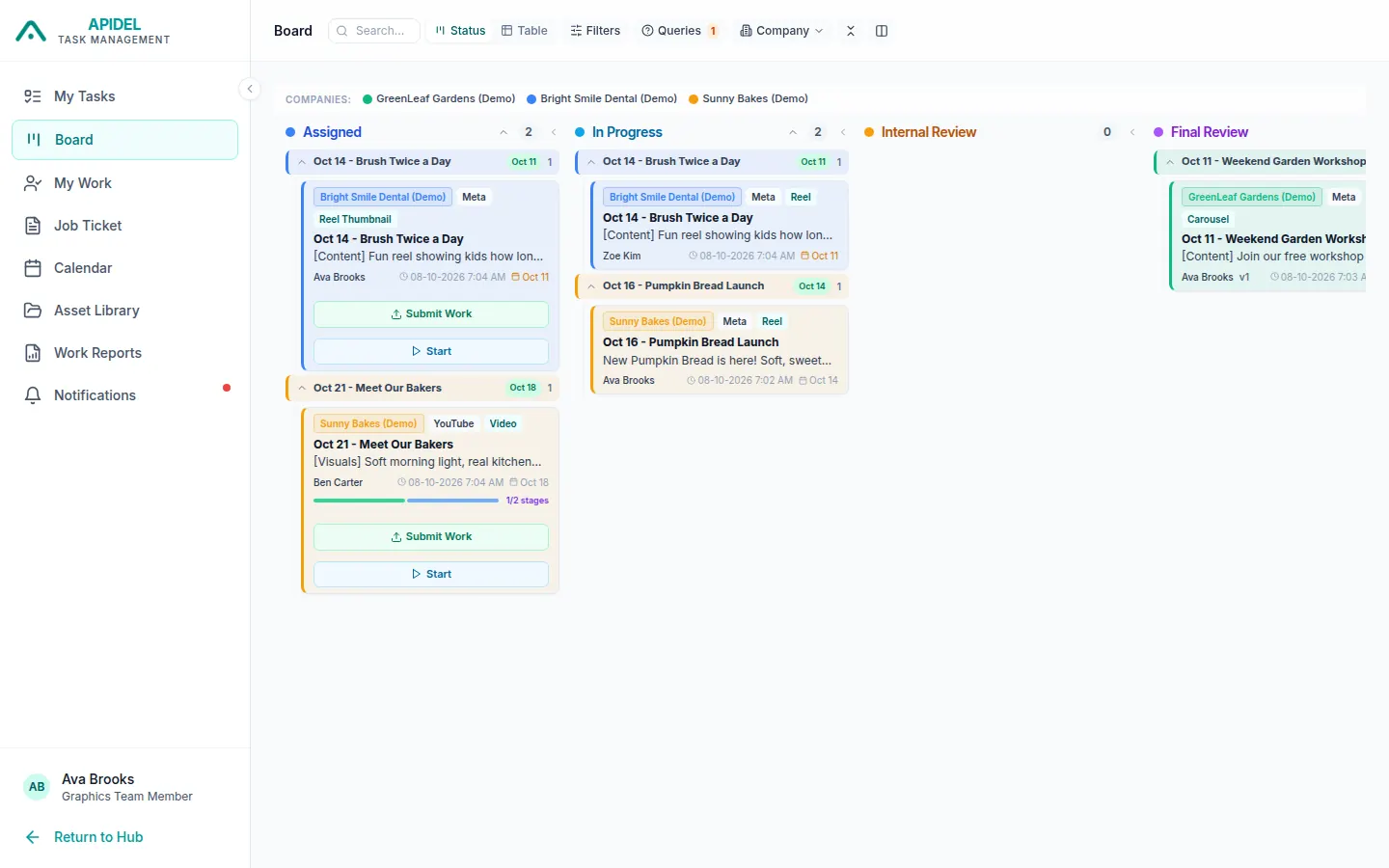
The Board shows your tasks in columns. Each column is one step of the work. It is another way to see your tasks.
Open the Board
-
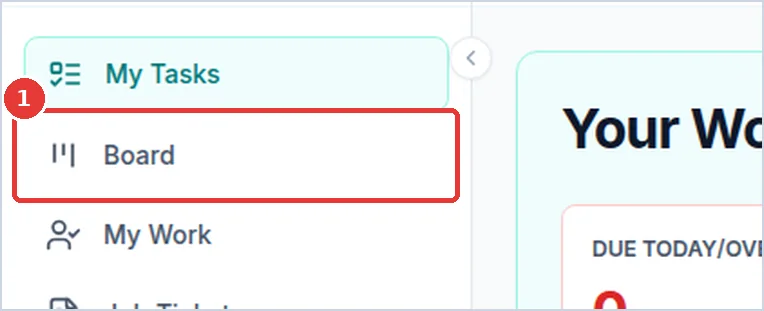
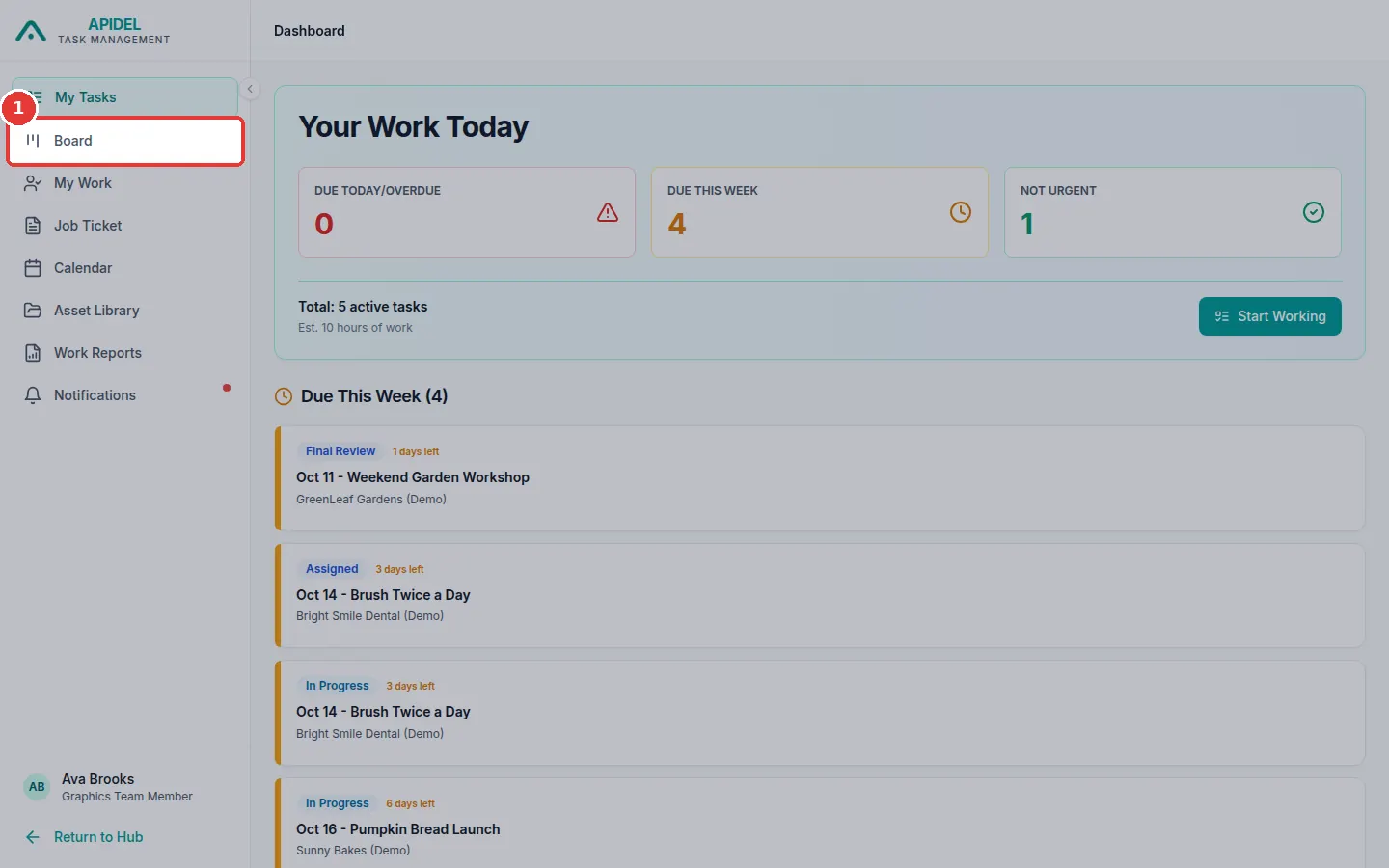
Click Board in the menu on the left.
-
You will see columns: Assigned, In Progress, Internal Review, Final Review, Done and Open Queries.
-
Click a card to open the full page of the task.
- On an Assigned card, click Start to start the task.
- On a Paused card, click Resume to continue.
The Board also shows tasks you worked on before, even if they are now given to someone else.
Send work from the Job Ticket page
The easiest place to start and send your work is the Job Ticket page.
My Work
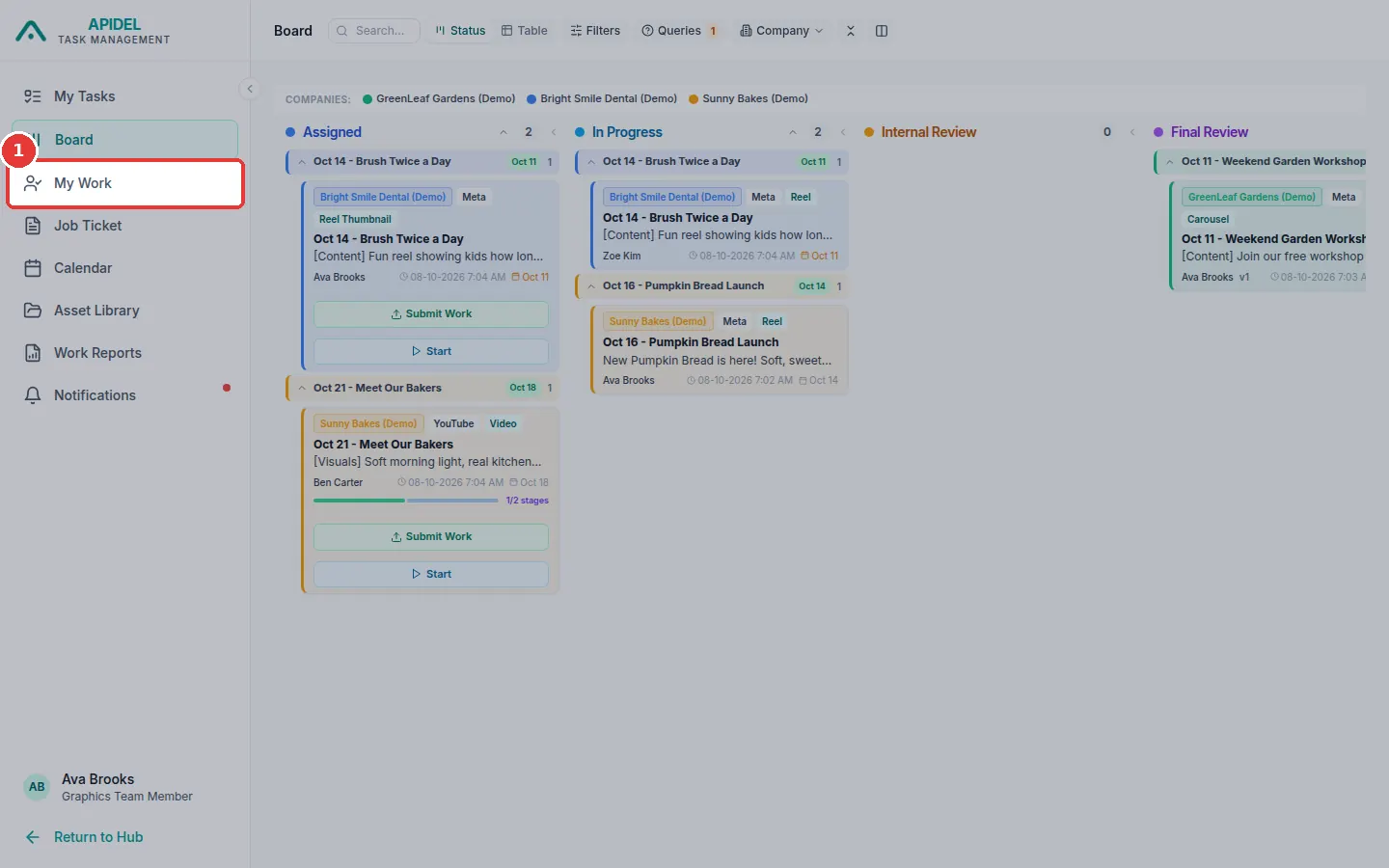
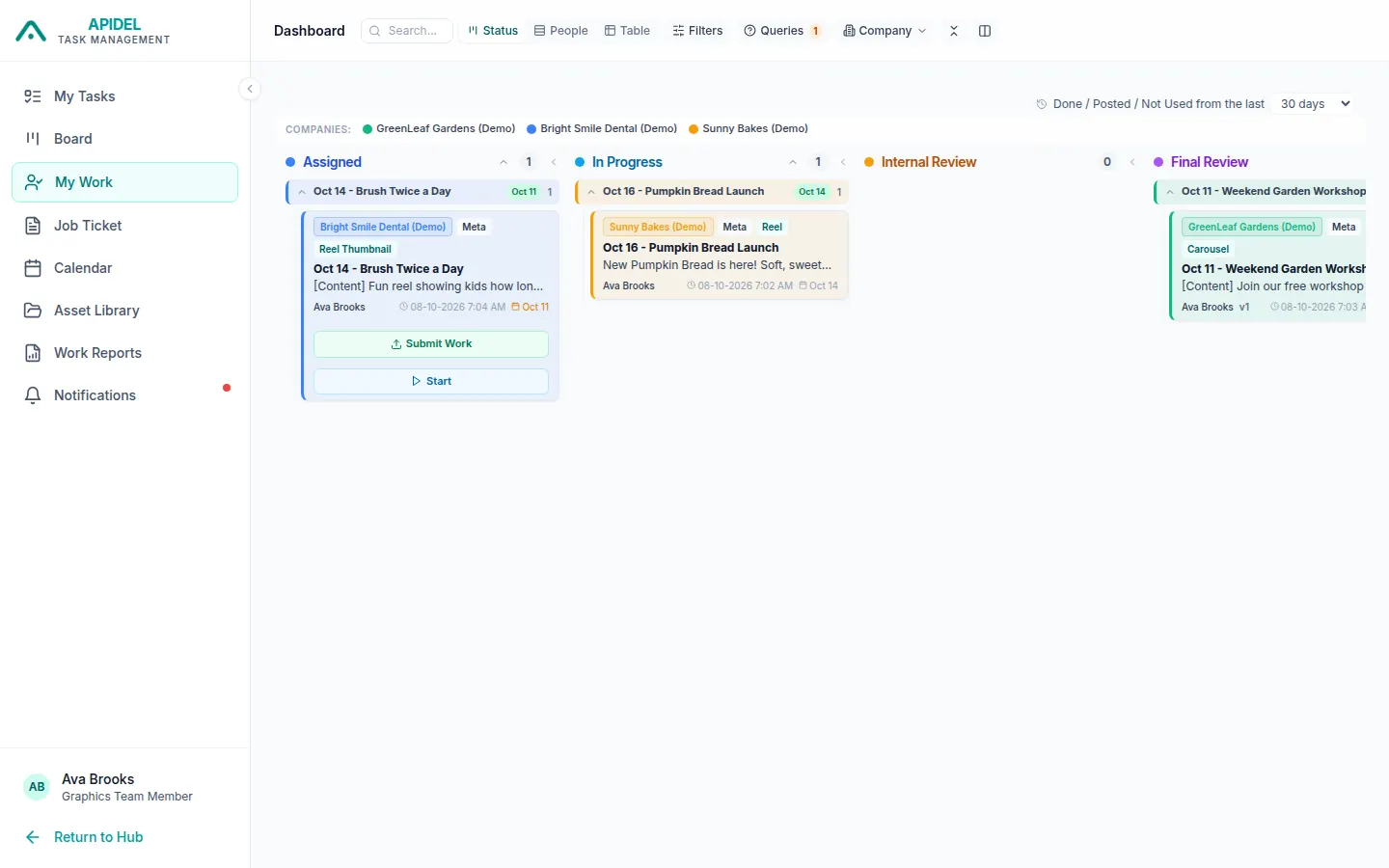
My Work is like the Board, but it shows only the tasks given to you right now.
-
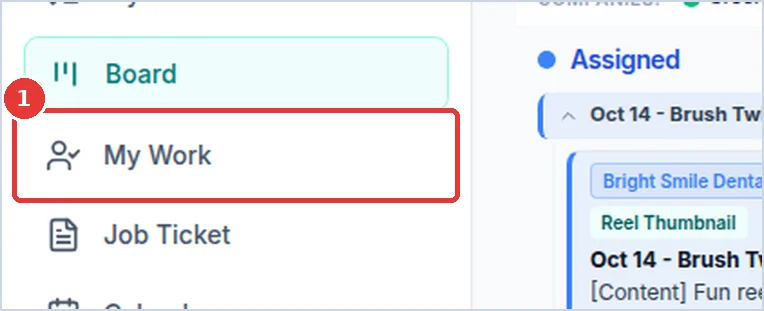
Click My Work in the menu.
-
You will see only your own current tasks.
Search and sort
At the top of the page:
- Type in the Search... box to find a task by its title.
- Click Company to see only one company.
- Click Filters to choose more, like only one platform. Then click Apply.
- Click Clear to show all tasks again.