New internal task
An internal task is work for the design team only. For example, making templates the team can reuse.
- No coordinator checks it. When you approve it, it is Done.
- Coordinators and Social Media Managers cannot see it.
- On the Board it has a lock and the word Internal.
Add an internal task
-
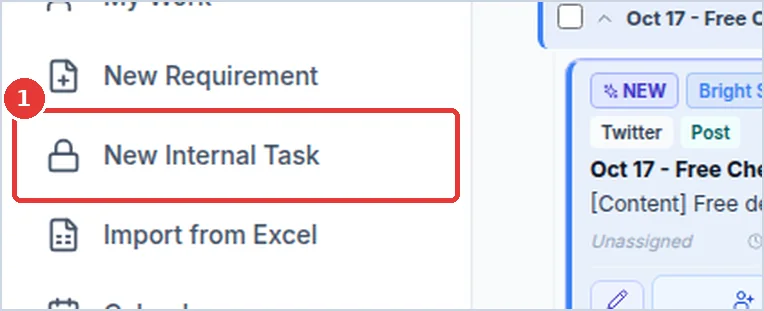
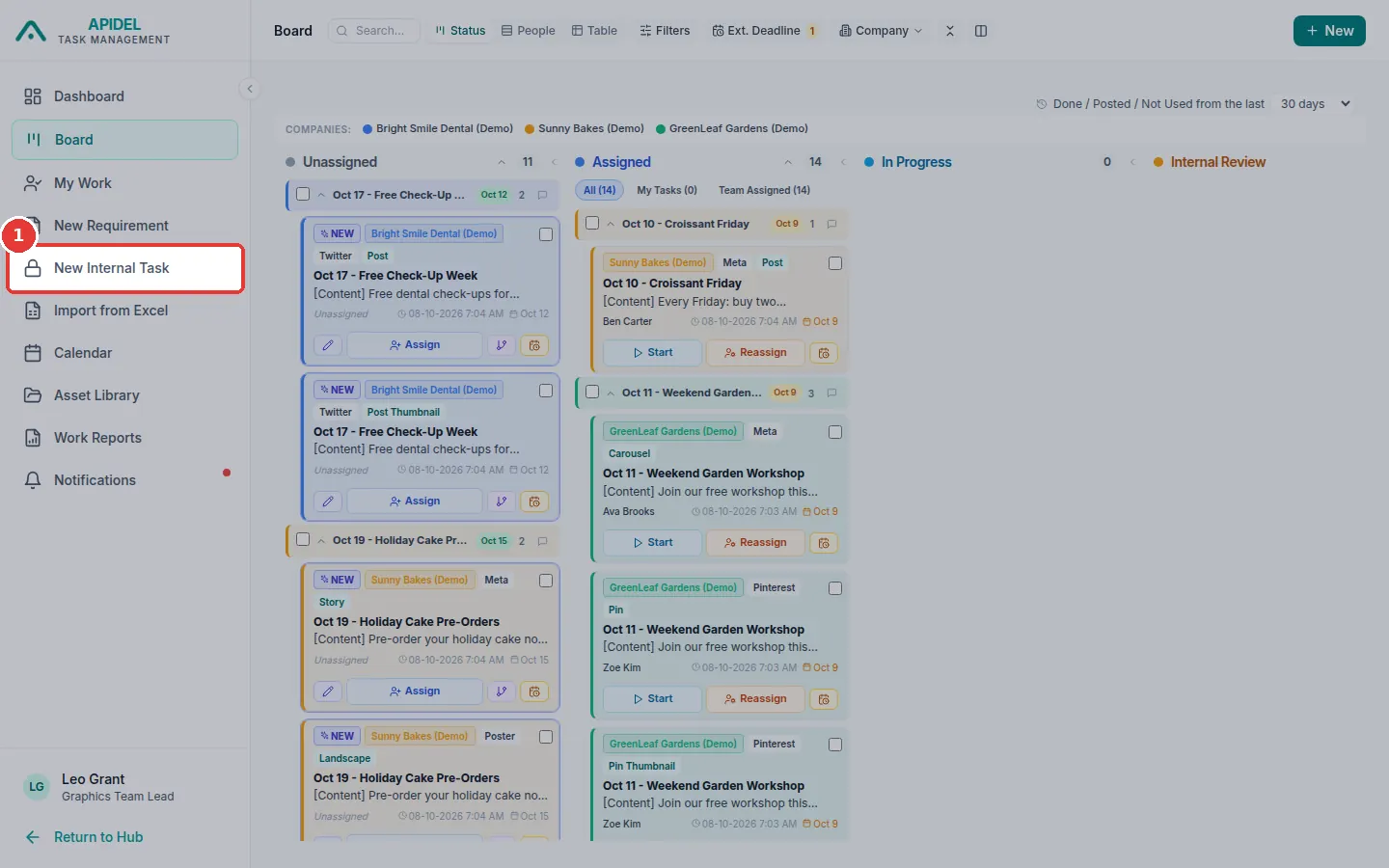
Click New Internal Task in the menu on the left.
-
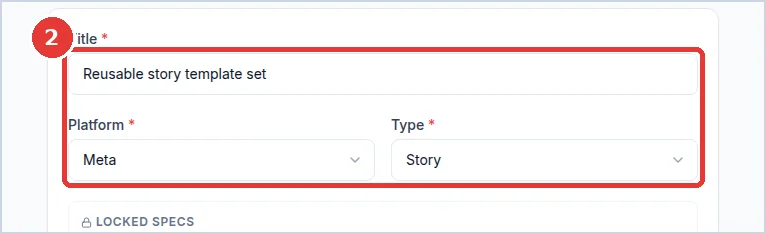
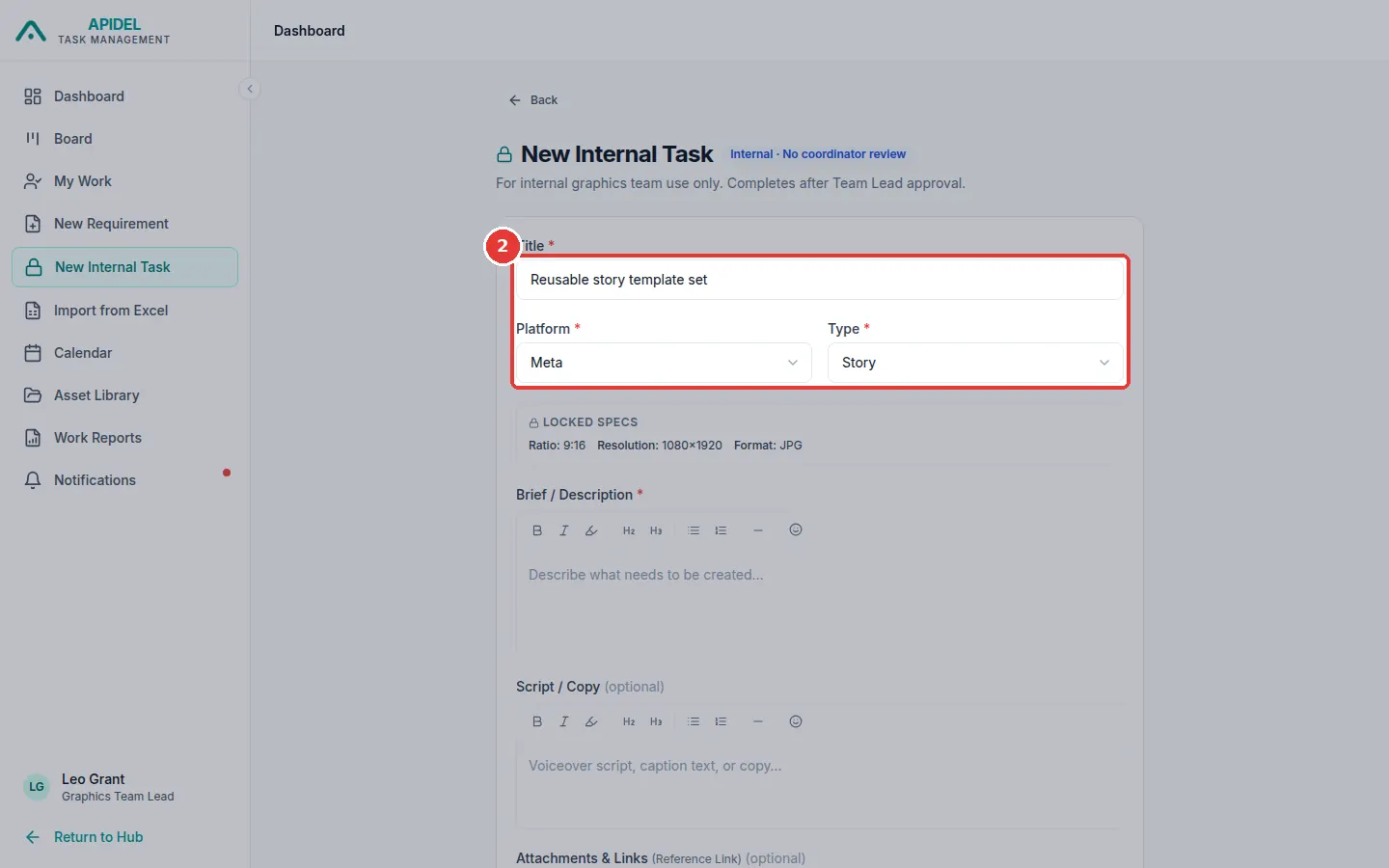
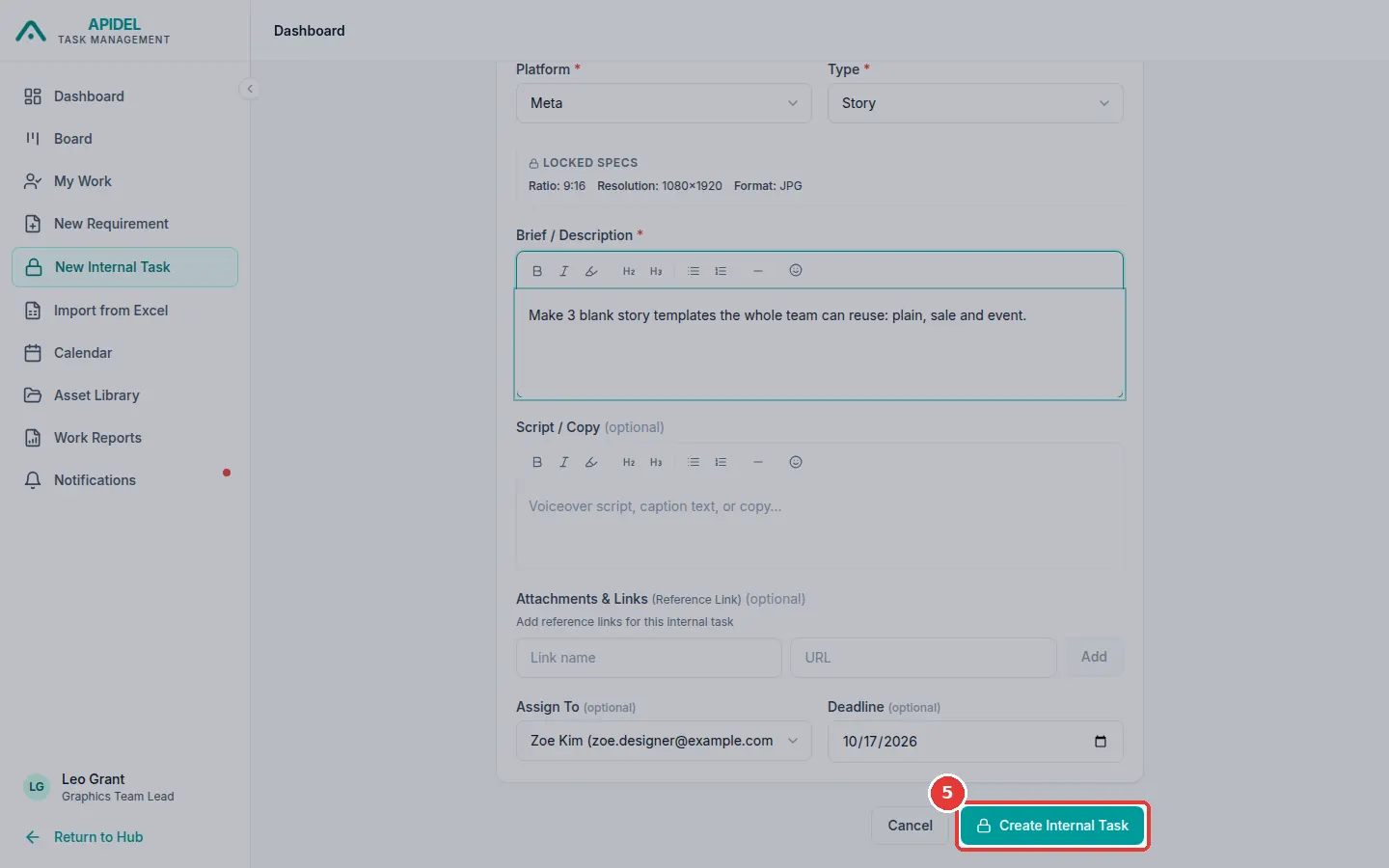
Type a Title. Choose the Platform. Then choose the Type.
-
In Brief / Description, write what must be made. This must be filled in.
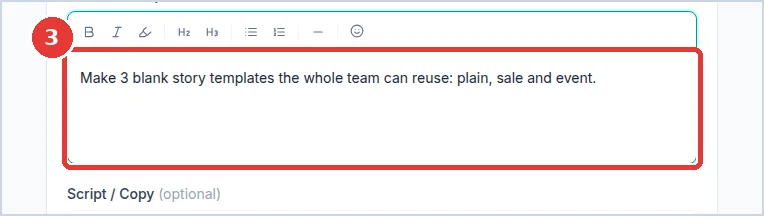
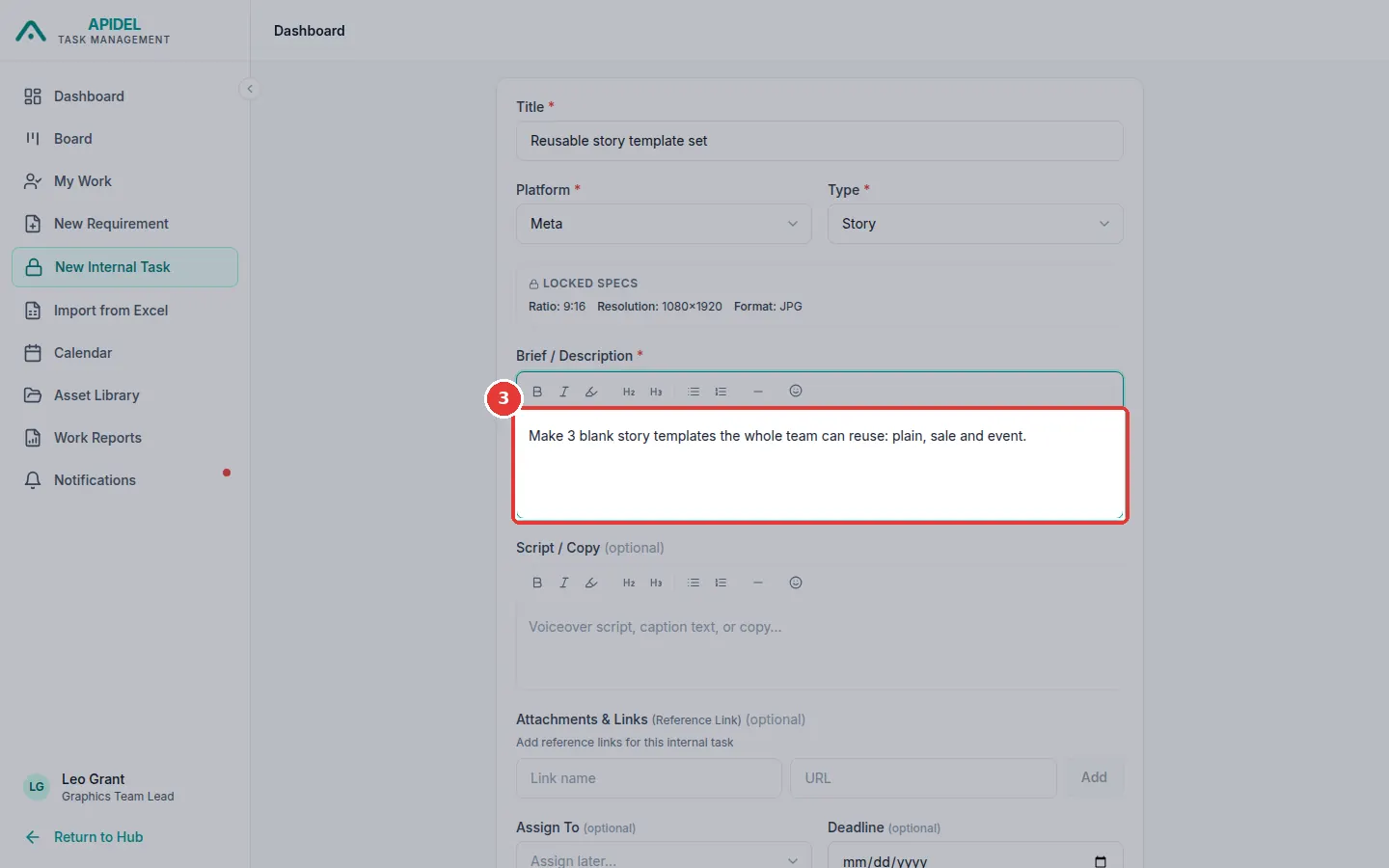
-
Choose a designer in Assign To (or leave Assign later…). Choose a Deadline if there is one.
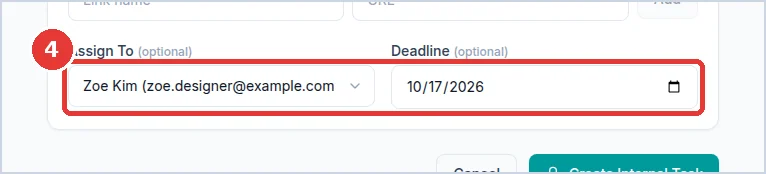
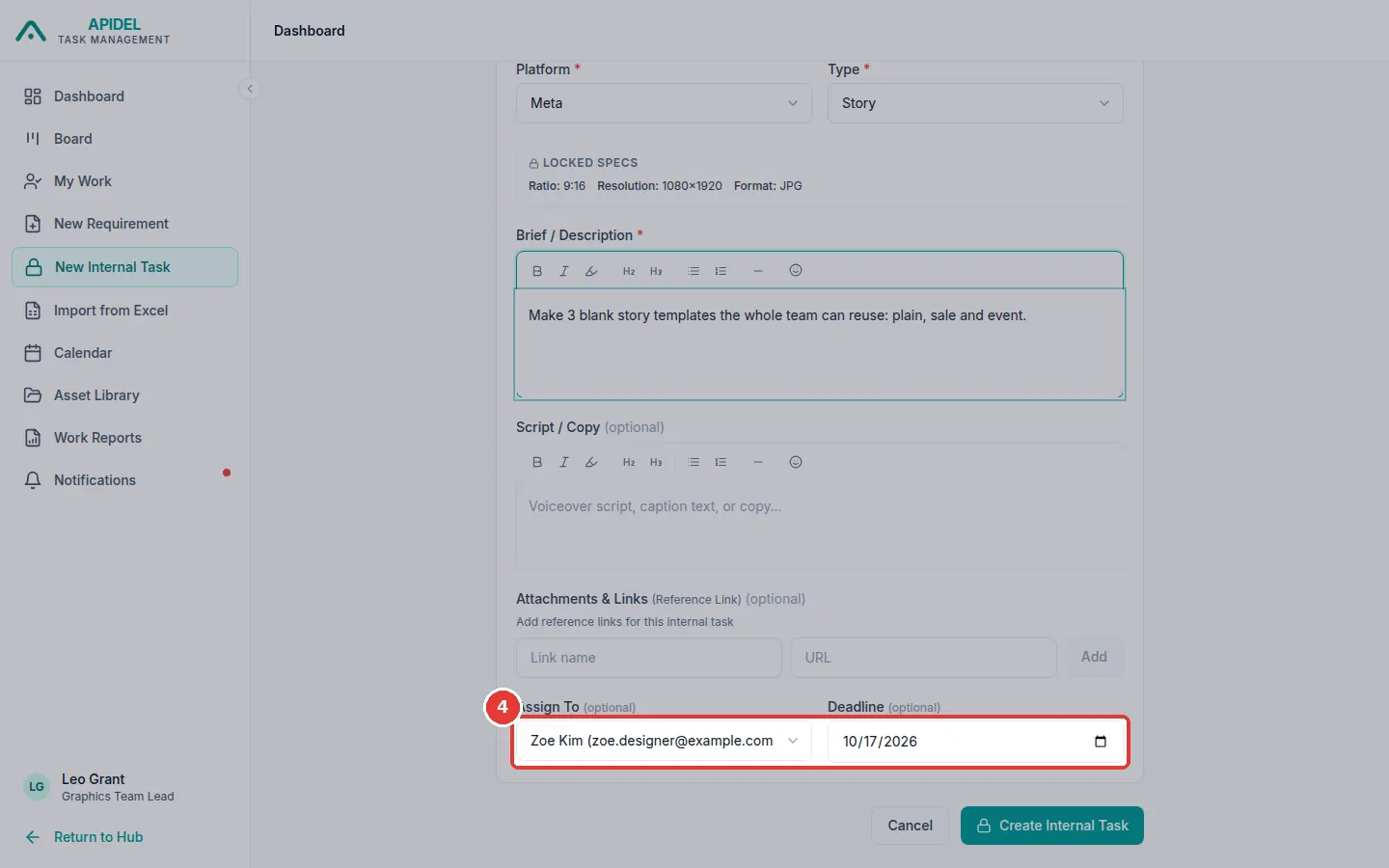
-
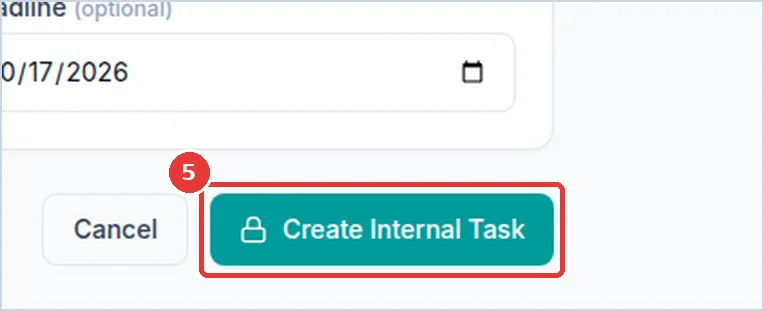
Click Create Internal Task.
-
The task appears on the Board.