Your companies
The Companies page shows the companies you look after, and how much of their work is finished.
Open your companies
-
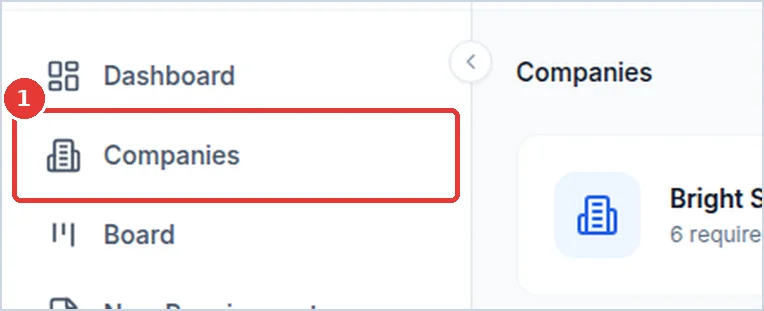
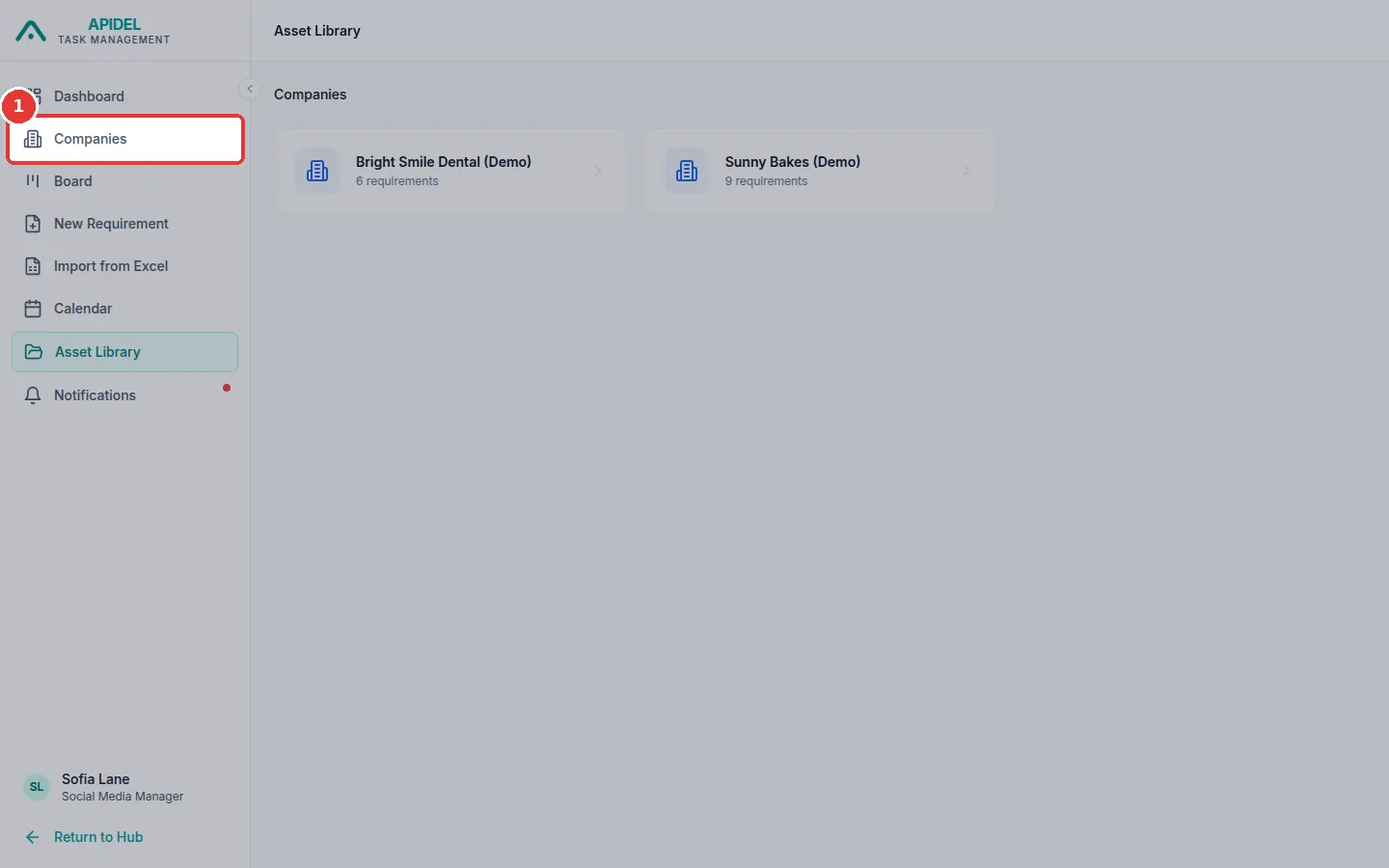
Click Companies in the menu on the left.
-
You will see Your Companies. There is one card for each company. The Portfolio Overview box at the top adds them all together.
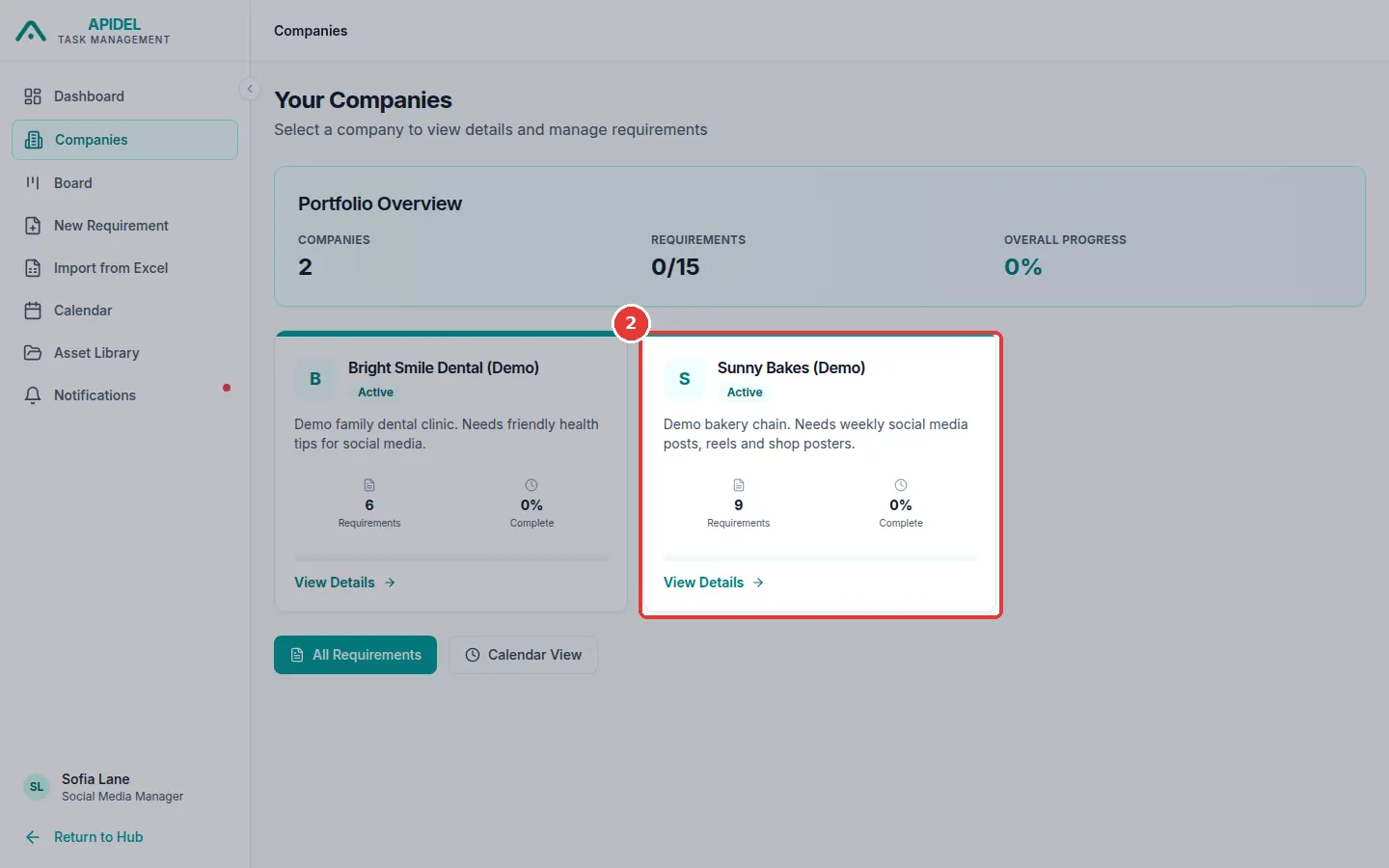
Each card shows the number of Requirements and how much is Complete.
See one company
- Click a company card, or View Details on it.
-
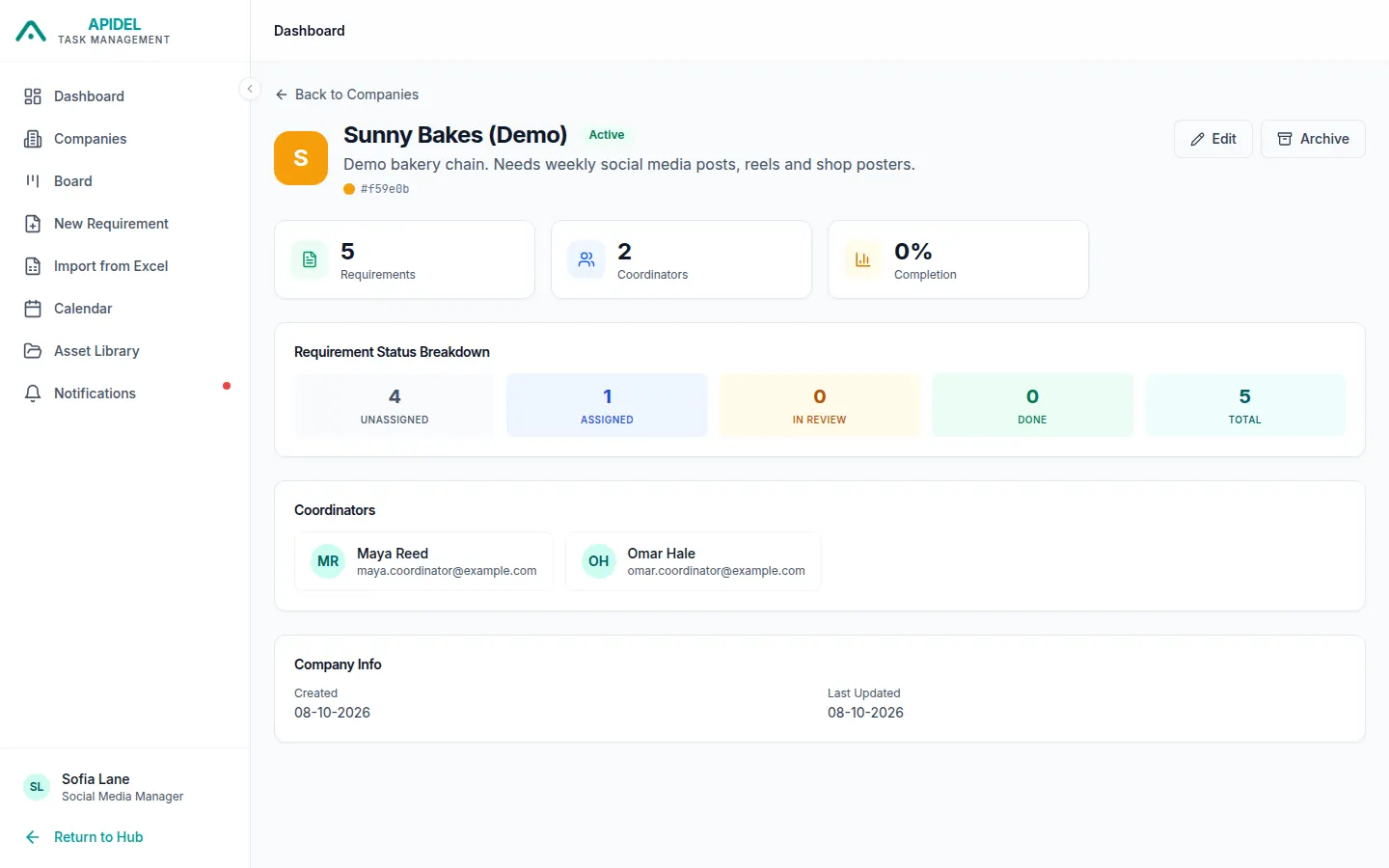
The company page shows how many requirements are at each step.
Note
You may see Edit and Archive buttons on the company page. Only a Super Admin can change a company. If you click them, you will see an error.