My Tasks
My Tasks is the first page you see after you sign in. It tells you what to work on first.
Open My Tasks
- Click My Tasks at the top of the menu on the left.
-
You will see your page.
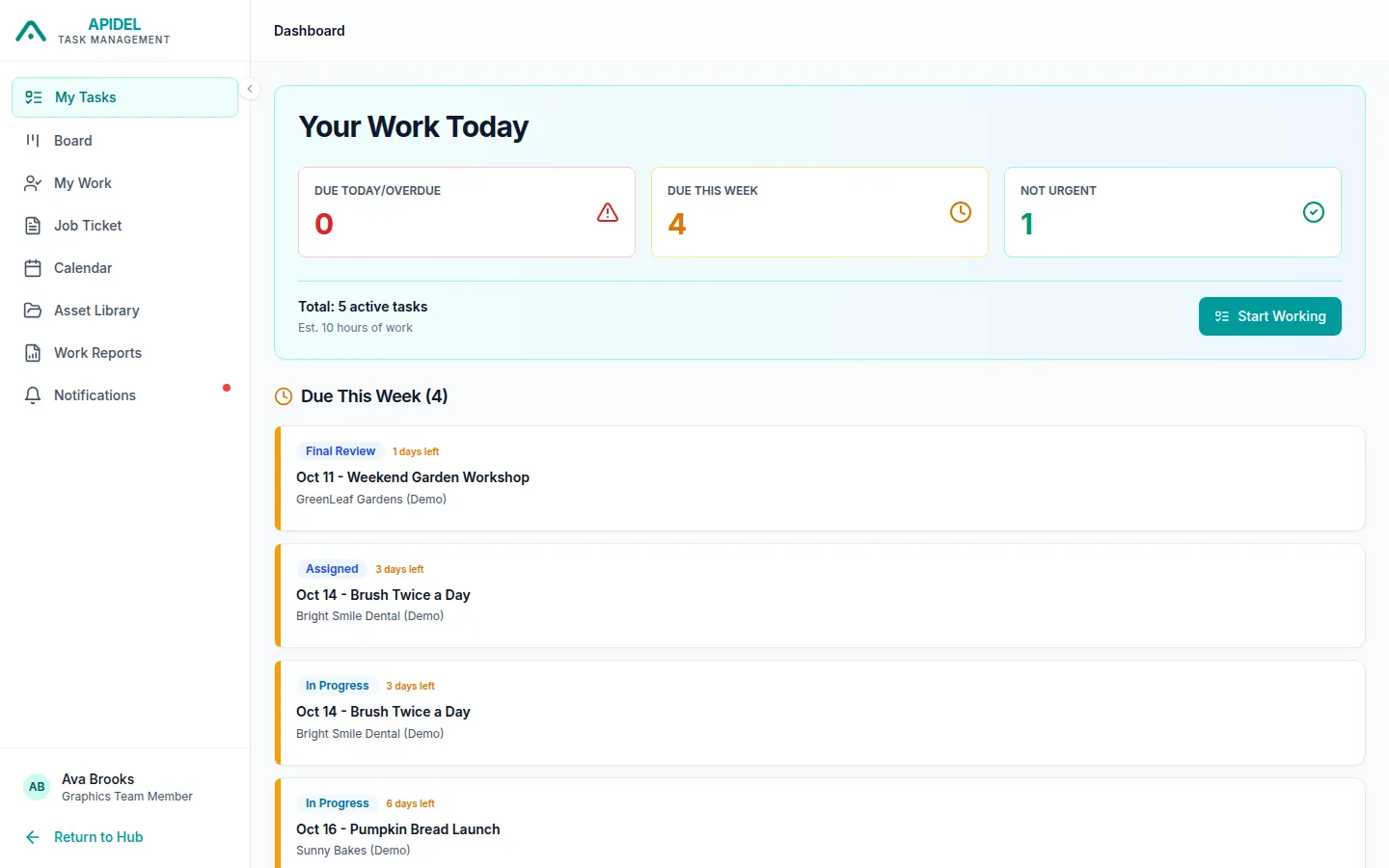
What you see on this page
Your Work Today (the box at the top) counts your tasks:
- Due Today/Overdue: finish these first. They are late or due today.
- Due This Week: due in the next 7 days.
- Not Urgent: due later.
Below the box, your tasks are put in groups:
- Overdue / Due Today: late or due today. Red means late.
- Due This Week: shows how many days are left.
- Upcoming: due later.
- No Deadline: tasks without a last day.
Click a task to open it.
Further down you may also see:
- Awaiting Feedback: work you sent that the Team Lead has not checked yet.
- Items Requesting Changes: work that somebody sent back to you. See When your work is sent back.
- Your Performance (This Week): how many tasks you finished and how fast.
- Your Achievements: tasks you finished this week.
Start working
-
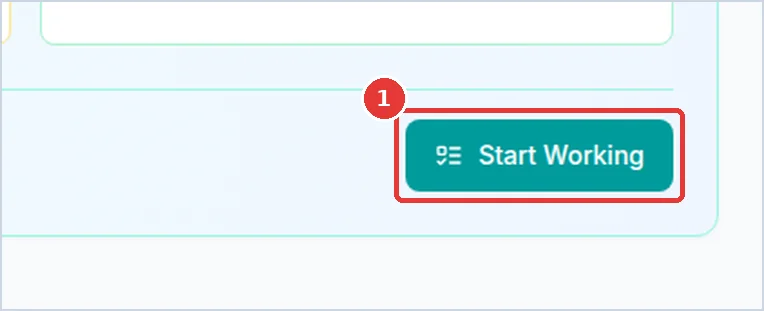
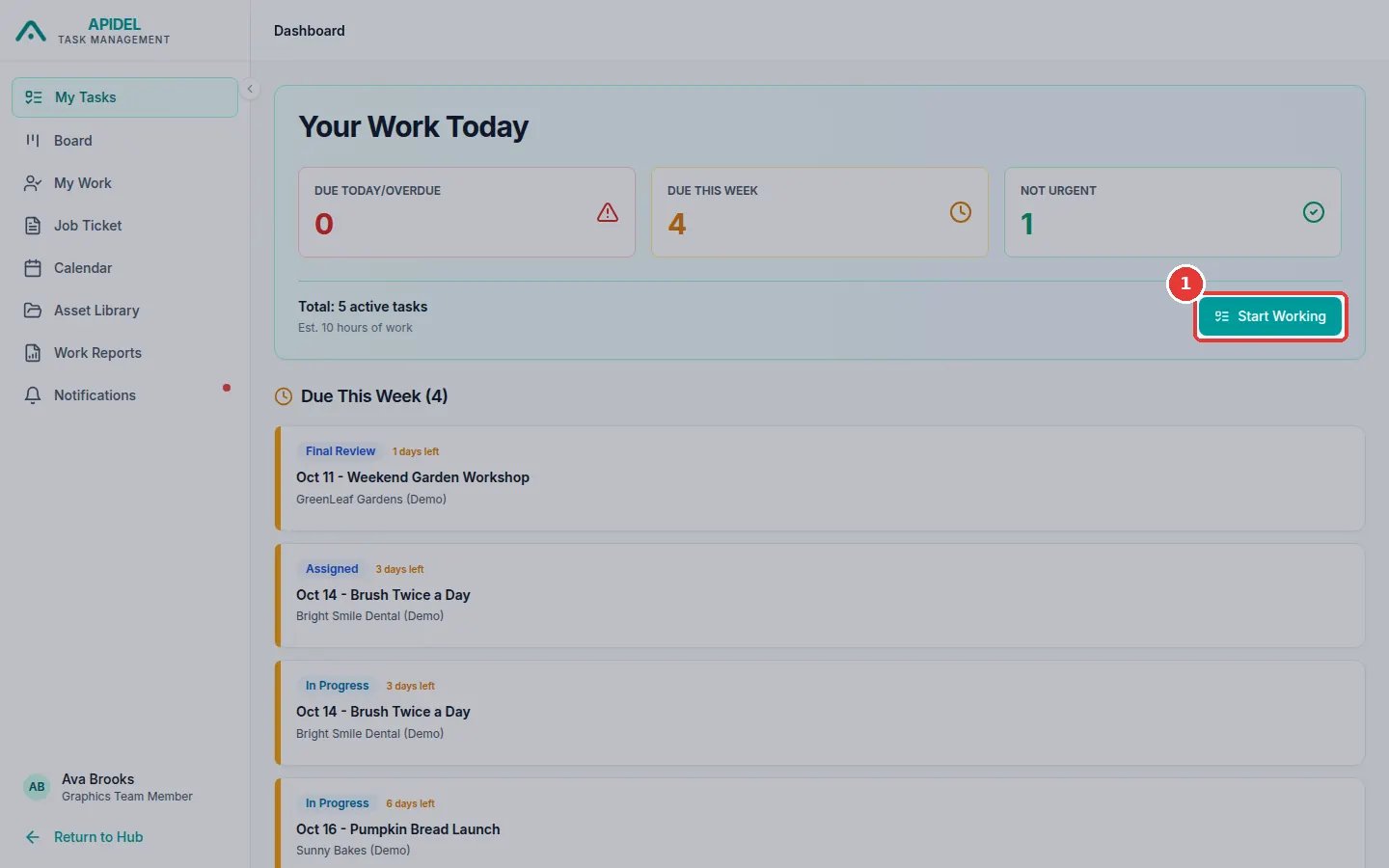
Click the green Start Working button in the top box.
-
The Job Ticket page opens. Read Work on a task (Job Ticket) to continue.