Change a deadline
You can give a designer more time by moving the deadline (the last day). This is called extending the deadline.
Limits
- You can extend deadlines only a few times each month (the Super Admin sets the number, normally 7).
- The new deadline cannot be after the posting date.
Extend a deadline from the Board
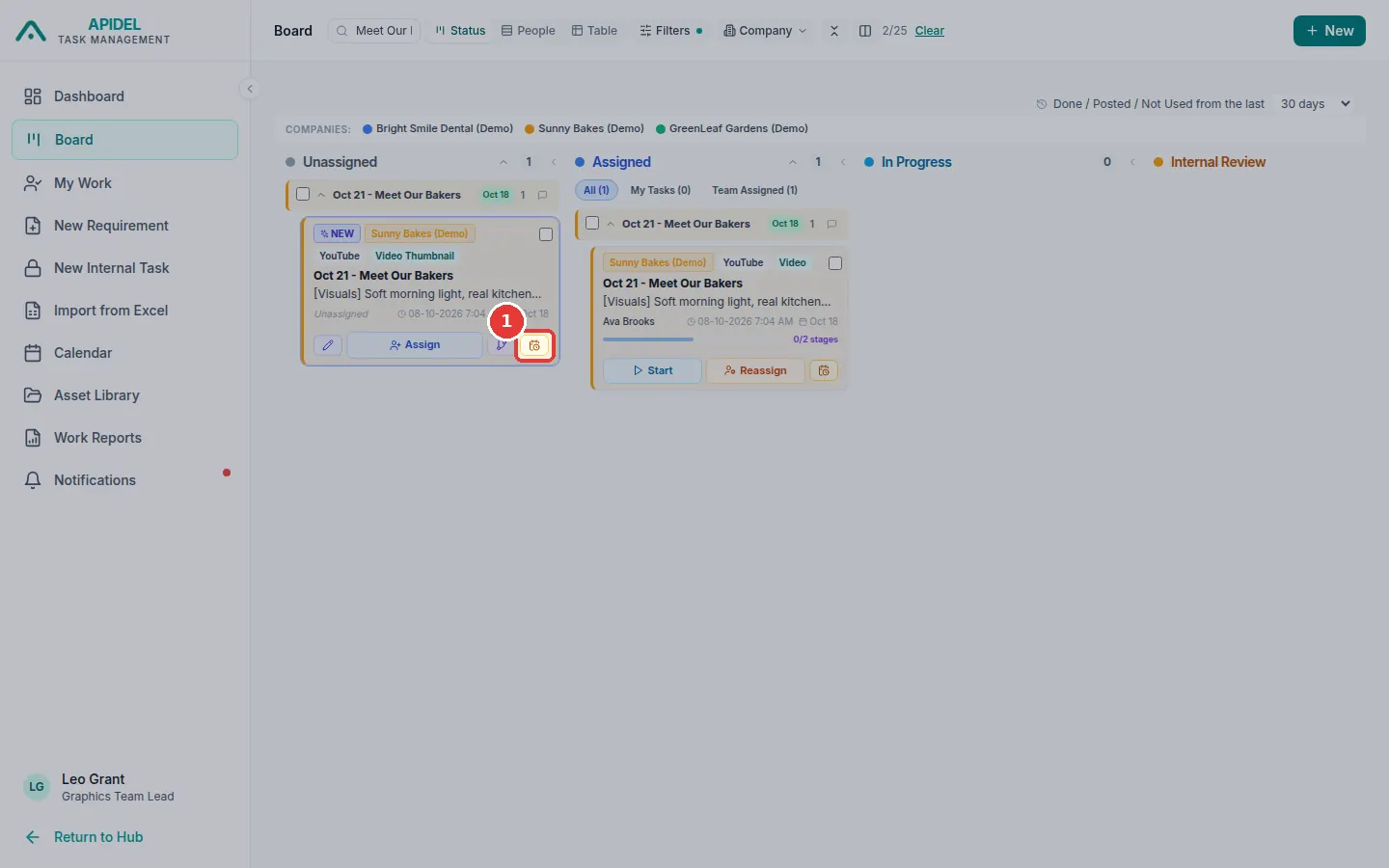
- Click Board in the menu. Find the card.
-
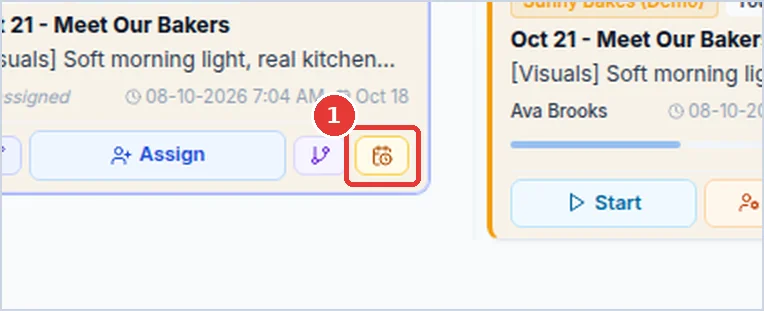
Click the small calendar button on the card. When you point at it, it says how many extensions you used this month.
-
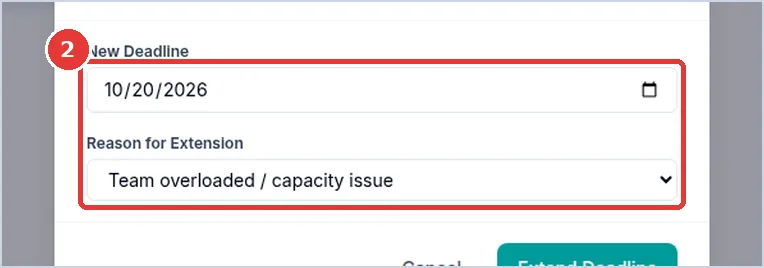
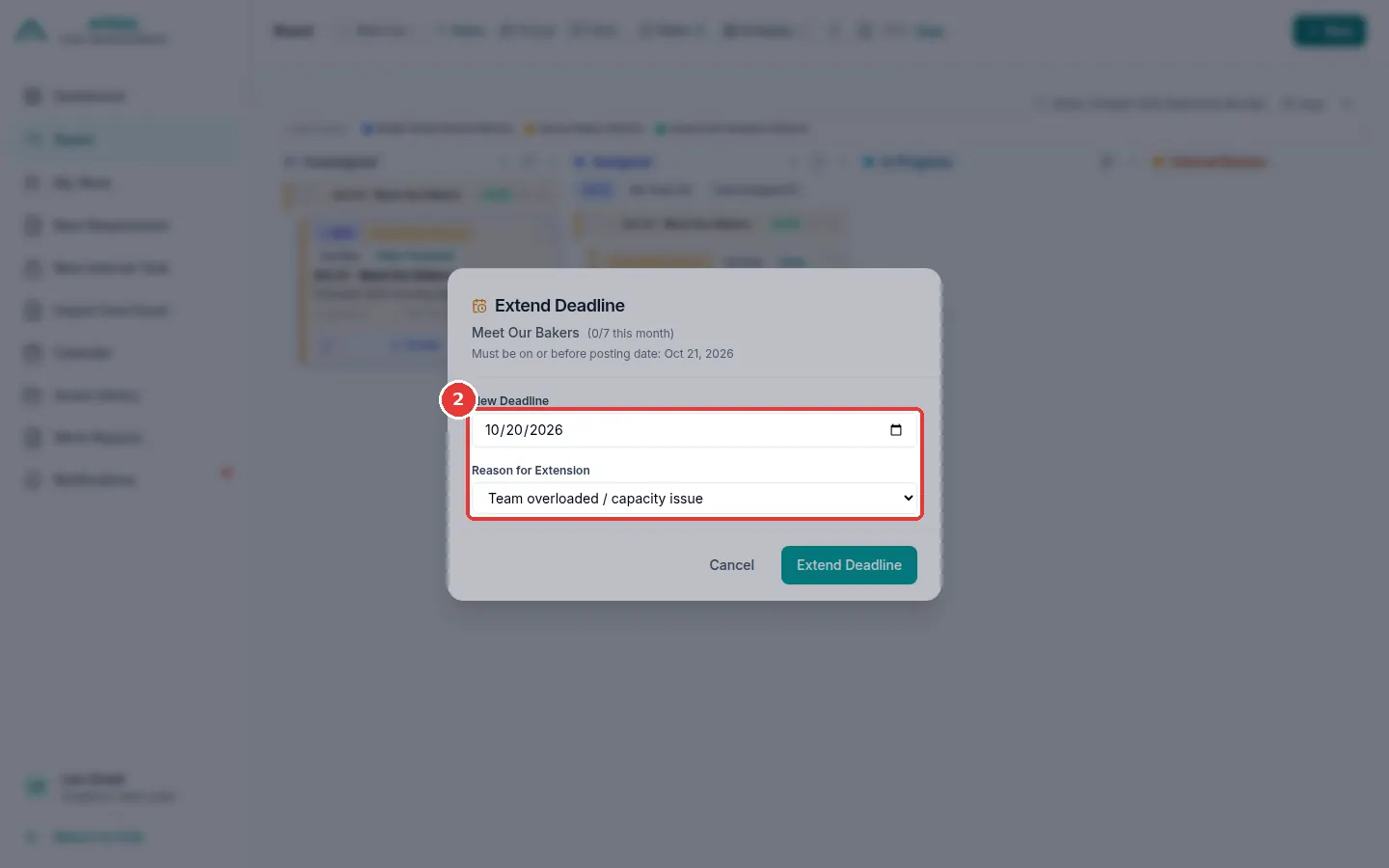
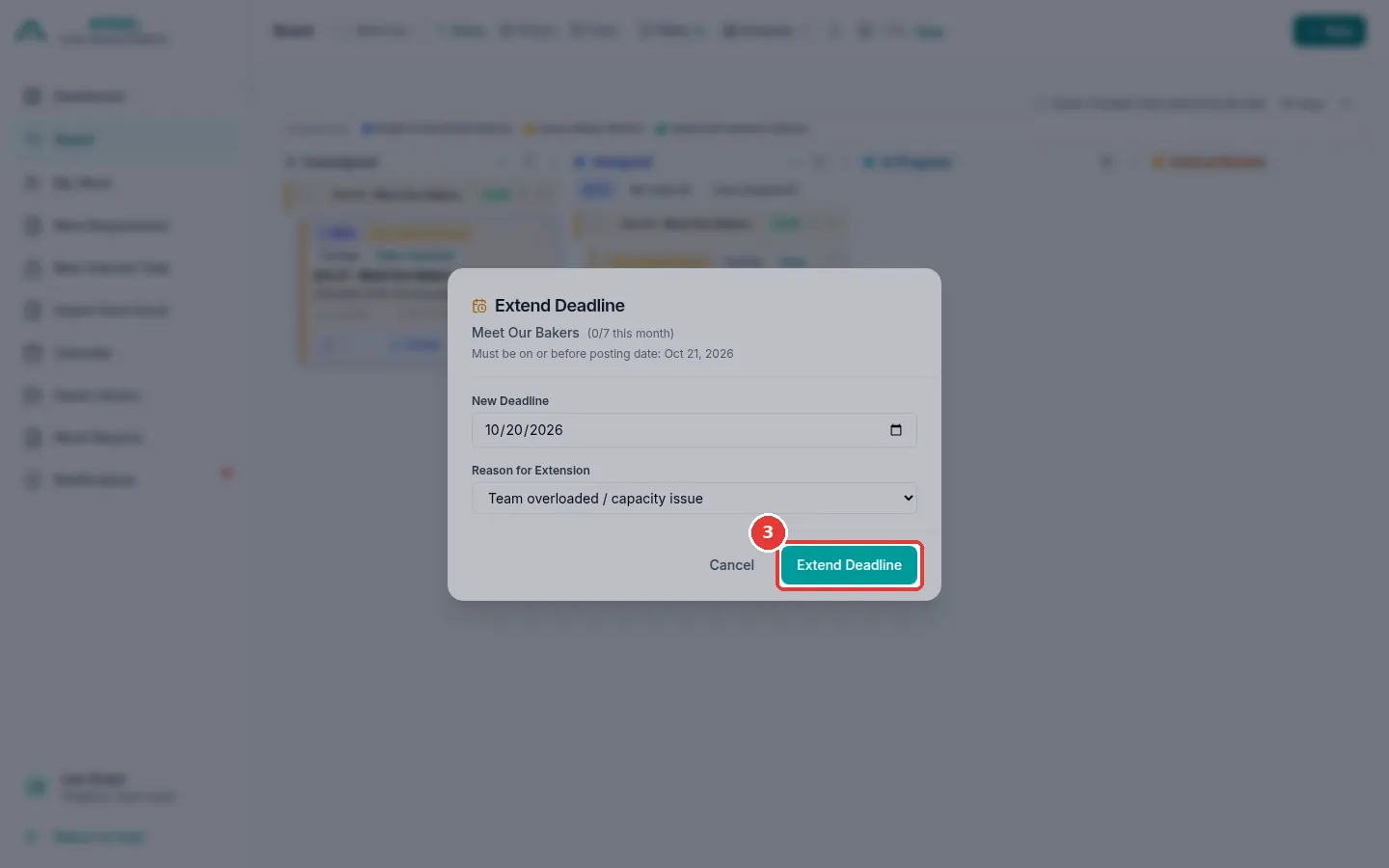
A window opens. Click New Deadline and choose the new day. Click Reason for Extension and choose why.
-
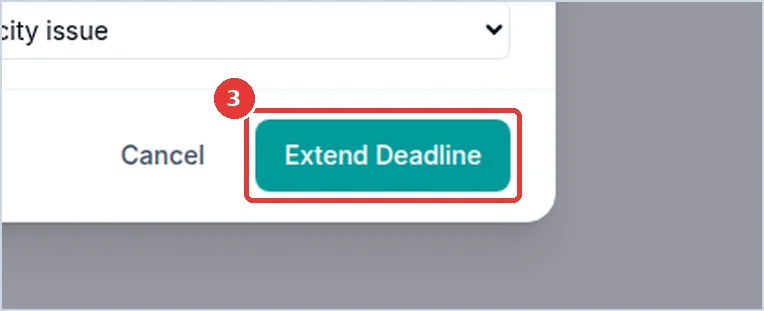
Click Extend Deadline.
-
The card now shows EXT and the new deadline.
Tip
You can also open the requirement page and click Extend Deadline at the top.